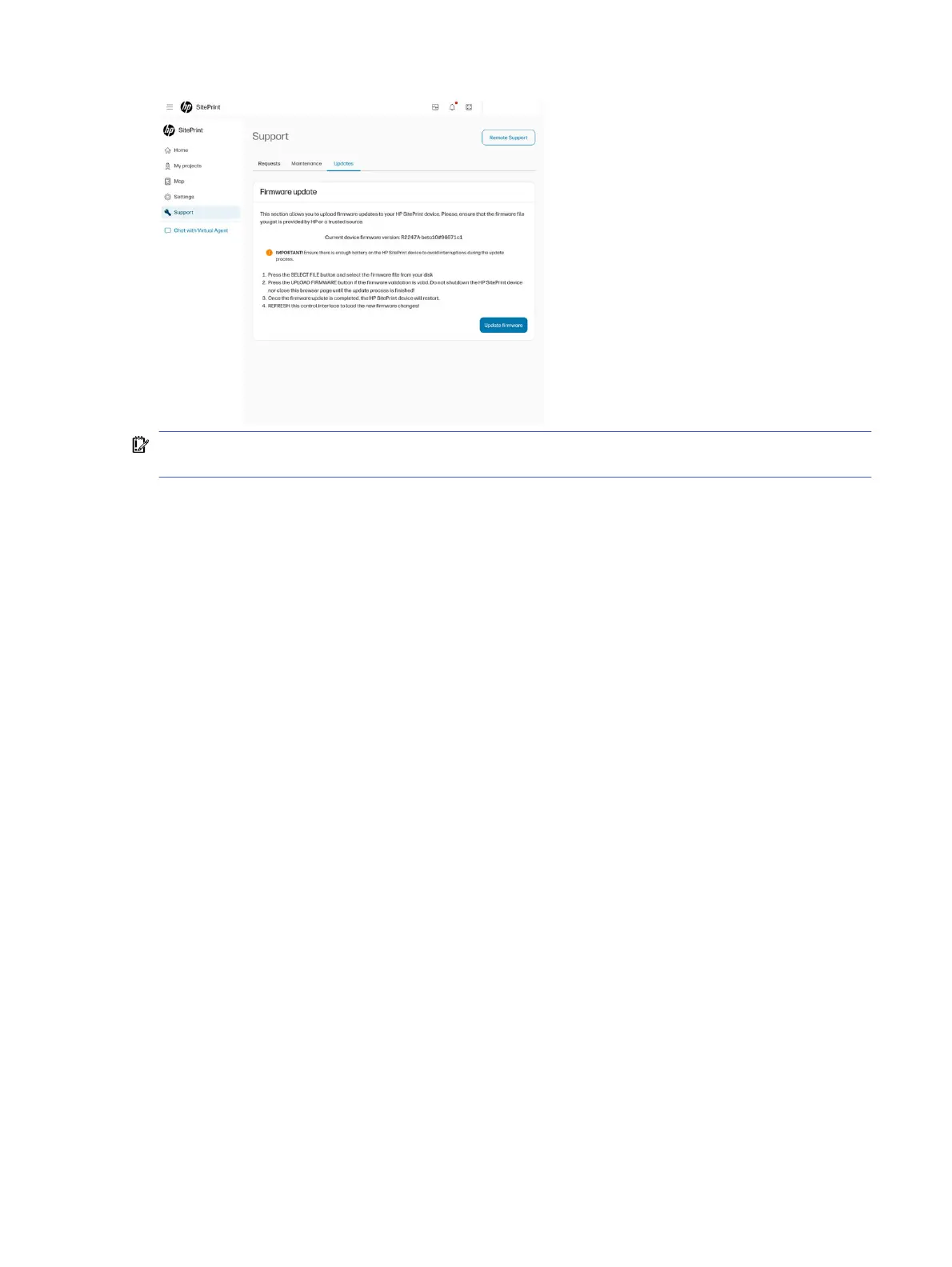
IMPORTANT: When downloading a new firmware version, from the Cloud, HP recommends a
connection of at least 3 Mbps.
Map
The Map page is where the main layout actions happen.
The chosen drawing is displayed, and the tools menu allows you to perform various actions:
1. Choose which layers are shown on the map, besides the three mandatory ones (explained in the
previous module).
2. Select the lines to be printed.
3. Select the stationing method: to a line or resection.
4. Add obstacles that were not on the original CAD.
5. Measure distances for reference or to add obstacles.
6. Process the DXF file.
Map
21



 To Next Page