IMPORTANT: During this process, obstacle avoidance is not enabled, so make sure to leave at least 1
m (3.2 ft) until the calibration is finished.
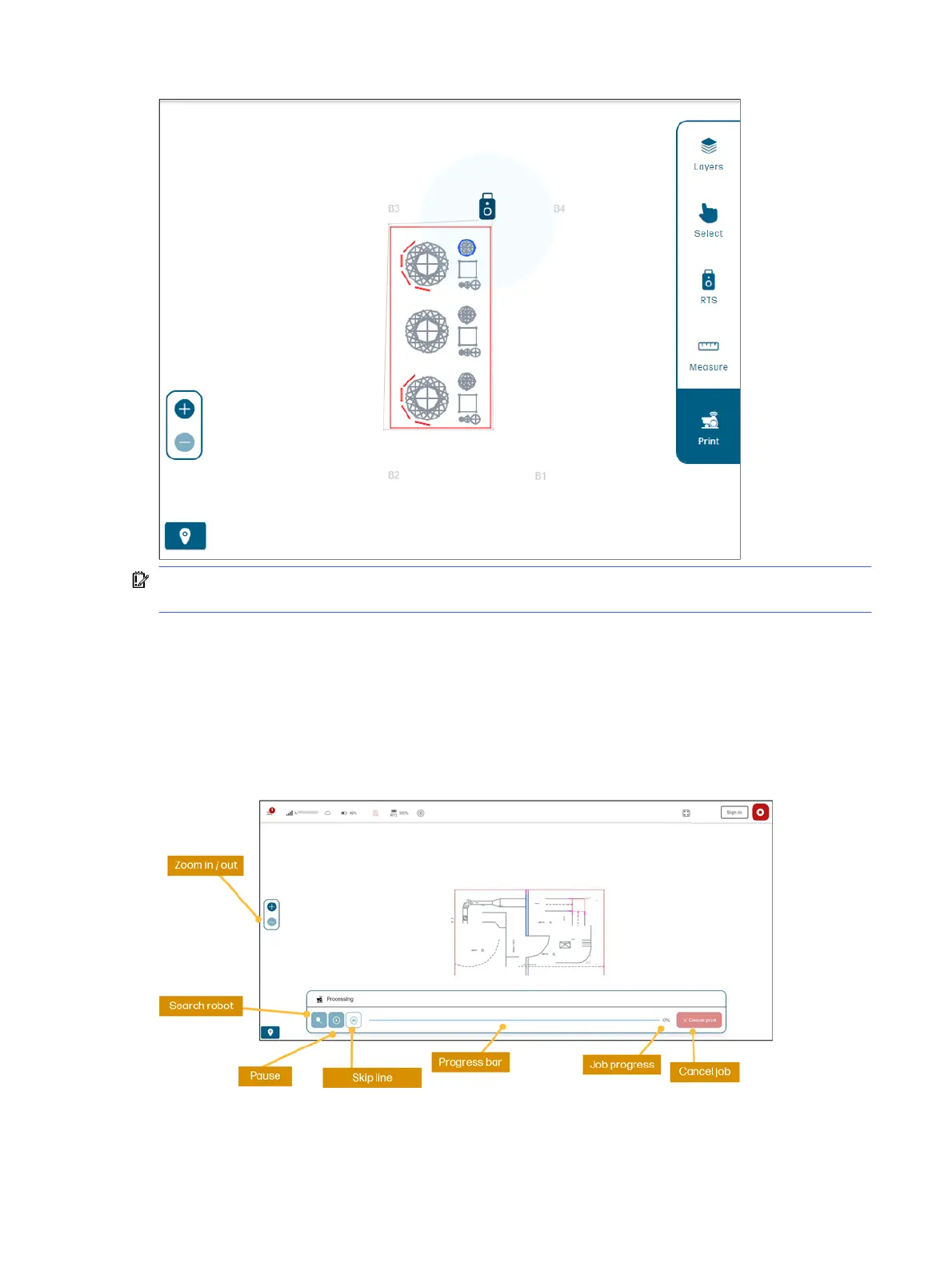
After the file is processed, you can start printing.
● Green lines show what has been successfully printed.
● Flashing line shows what will be printed next.
● Orange lines will appear if the line fails to print.
● Pink lines appear if an obstacle is closer than allowed to print. Those are discarded by the UI.
Job submission
23



 To Next Page