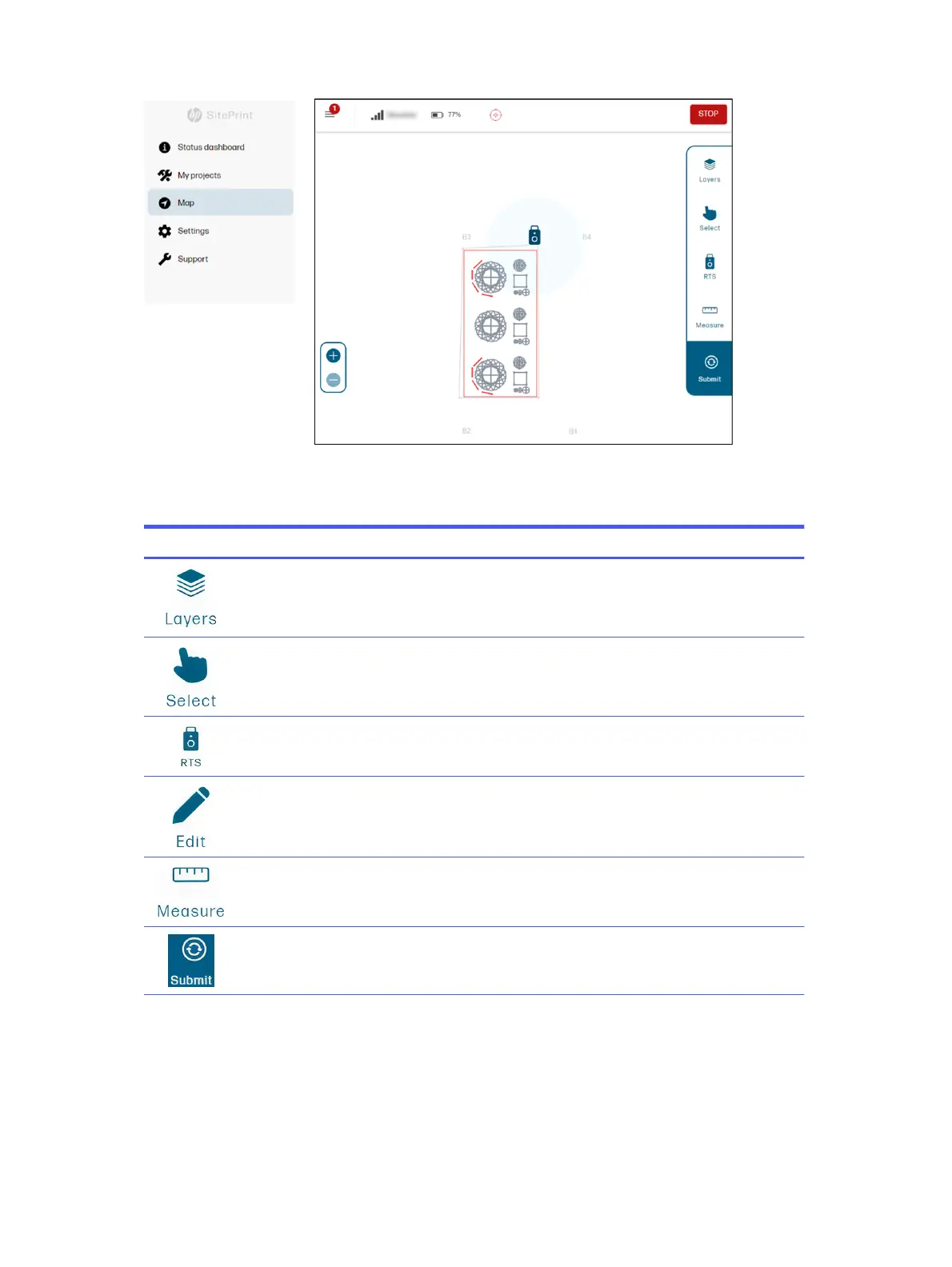
Various editing and other actions can be performed from the Map page.
Table 4-1
Map icons
Icon Action
Choose which layers are shown on the map, besides the three mandatory ones already explained.
Select the lines to be printed.
Select the stationing method: to a line or resection.
Add obstacles that were not in the original DXF file.
Measure distances for reference or to add obstacles.
Process the DXF file.
46 Chapter 4 Job execution



 To Next Page