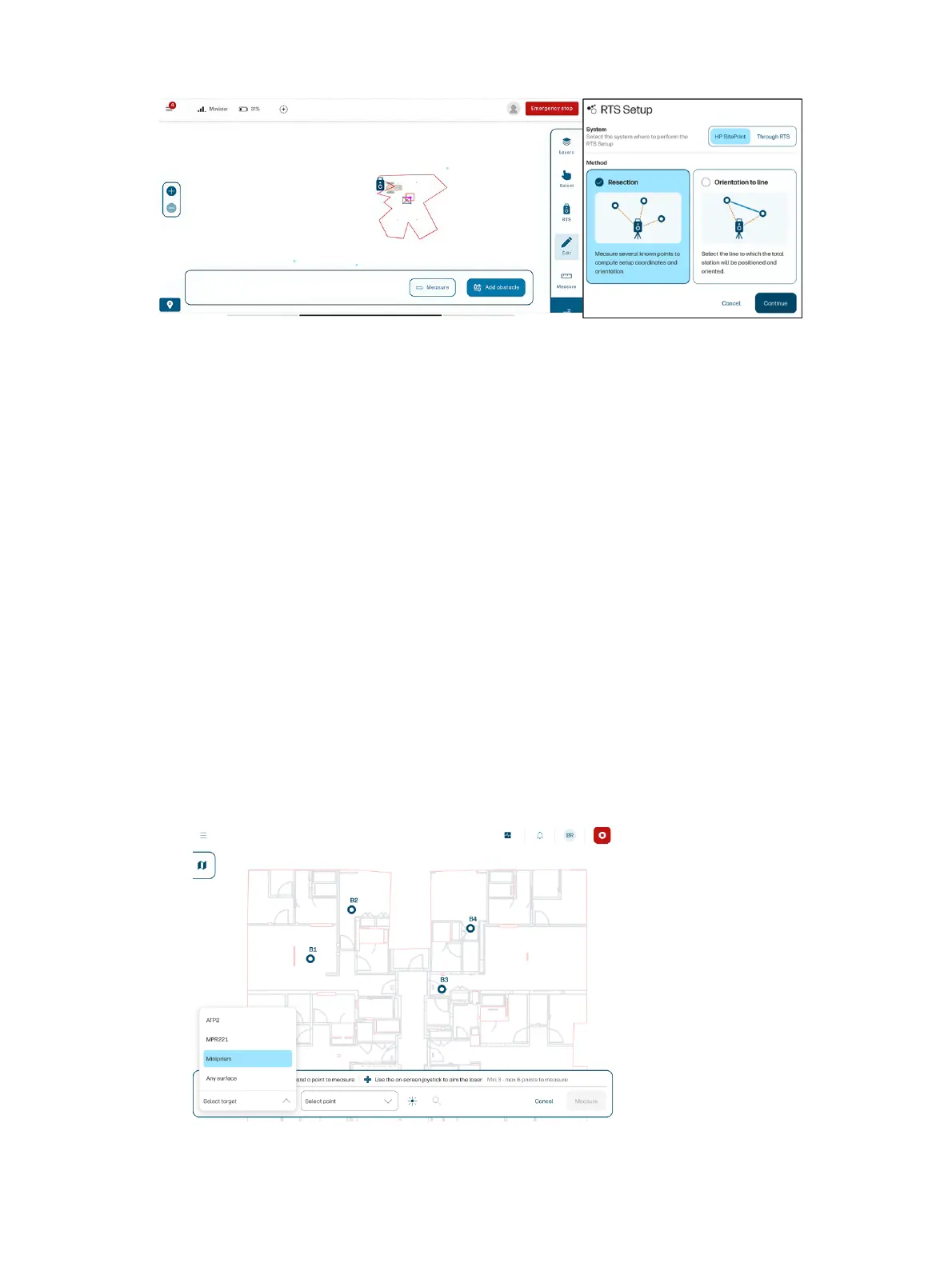
You can also choose between doing the RTS setup from the control panel or from the RTS screen when
needed, or Load a previous setup if you have already set up your RTS.
Recommendations during setup
● Always set up your RTS at least 5 m (16 ft) away from the layout area.
● Setting up the RTS no higher than 1.2 m (4 ft) will increase its accuracy.
● Ensure it is properly leveled before starting the setup workflow.
● HP recommends using the resection setup method. If that is not feasible, you can use the
orientation-to-a-line method (if available).
● Do not forget to raise the RTS antenna (if available) to increase the communication range.
● Before every measurement, make sure you have selected the right target type from the list.
● Check the user-interface settings to ensure that the RTS is connected to the robot.
● Level the RTS accurately, and check it now and then.
Resection
If you selected the resection method, follow these steps.
1. Select a target type from the list.
Resection
51



 To Next Page