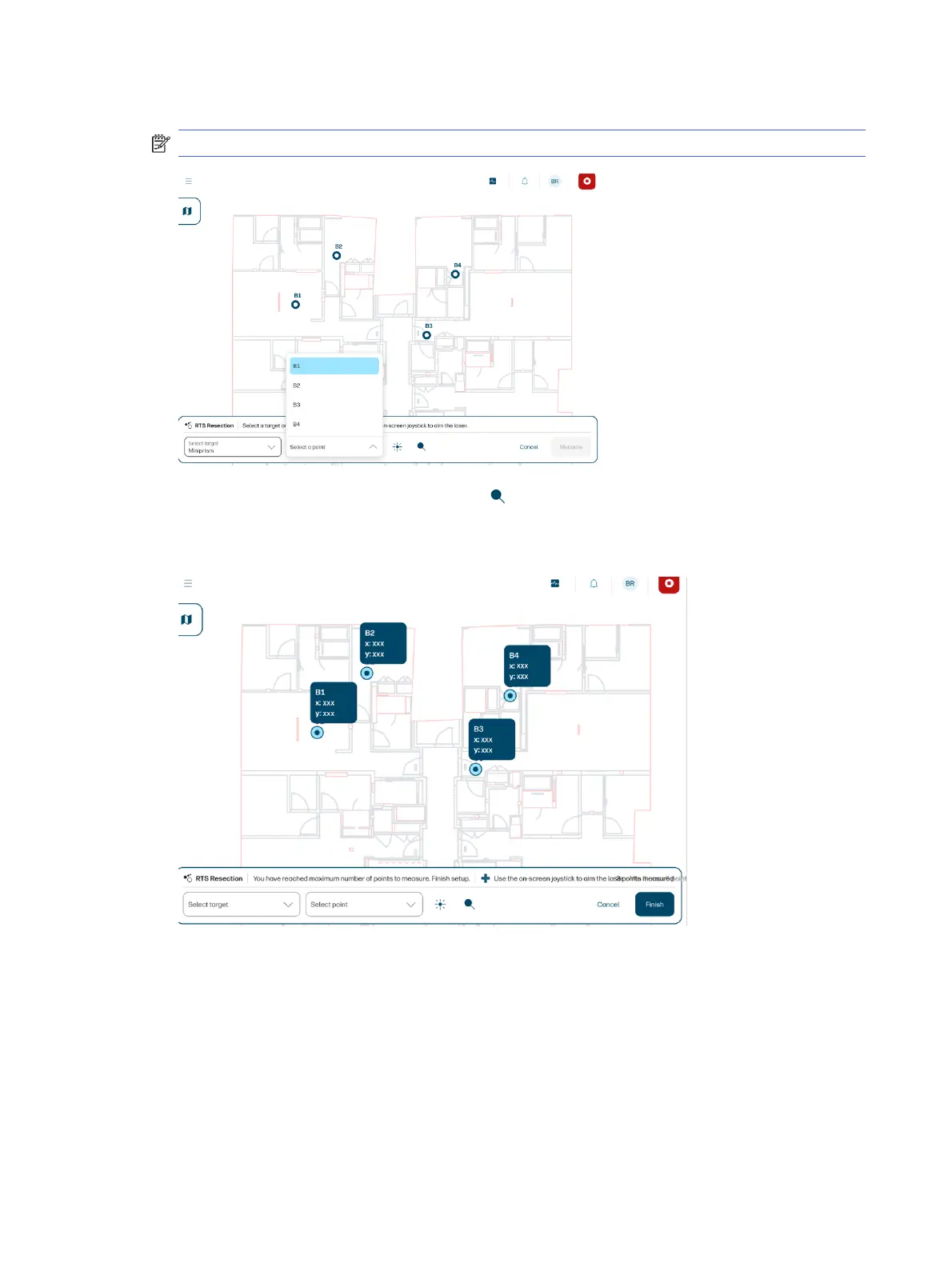
2. Select a control point from the list, or in the map, and aim the RTS approximately at that target.
NOTE: Your drawing must have defined control points to carry out this process.
3. Before tapping Measure, tap the search icon to make sure that the RTS has locked the prism, or
ensure a good aim manually.
4. Tap Measure, and repeat these steps with two or more other control points.
5. Tap Finish.
At the end of the process, you will see a list of the position and quality values.
52
Chapter 4 Job execution



 To Next Page