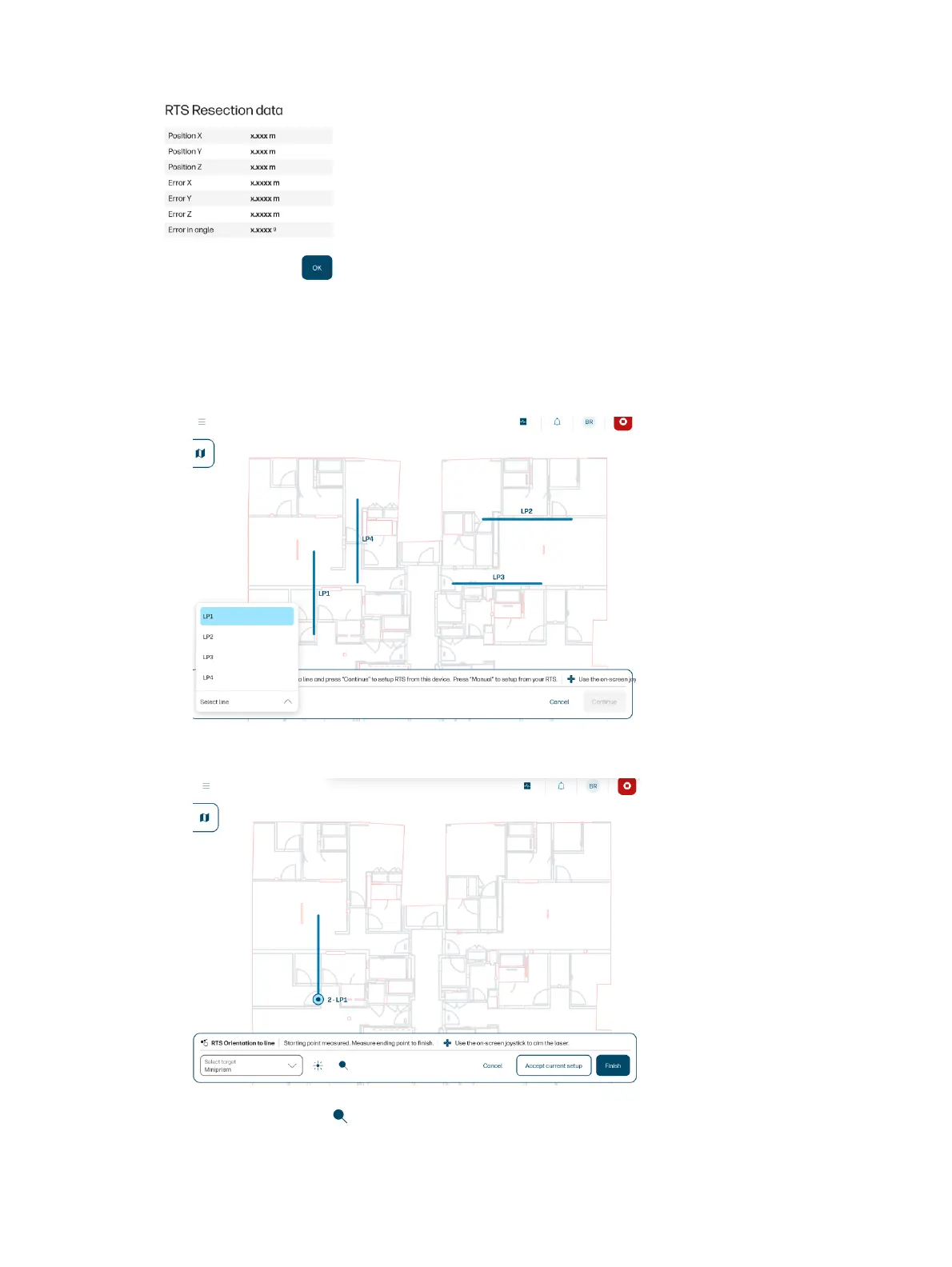
Orientation to a line
If you selected orientation to a line, follow these steps.
1. Select the line you want to use as a reference and tap Continue.
2. Select the right target type for point 1, and aim the RTS at the target.
3. Tap the search icon to ensure that the RTS has locked the prism, or ensure a good aim manually.
Orientation to a line
53



 To Next Page