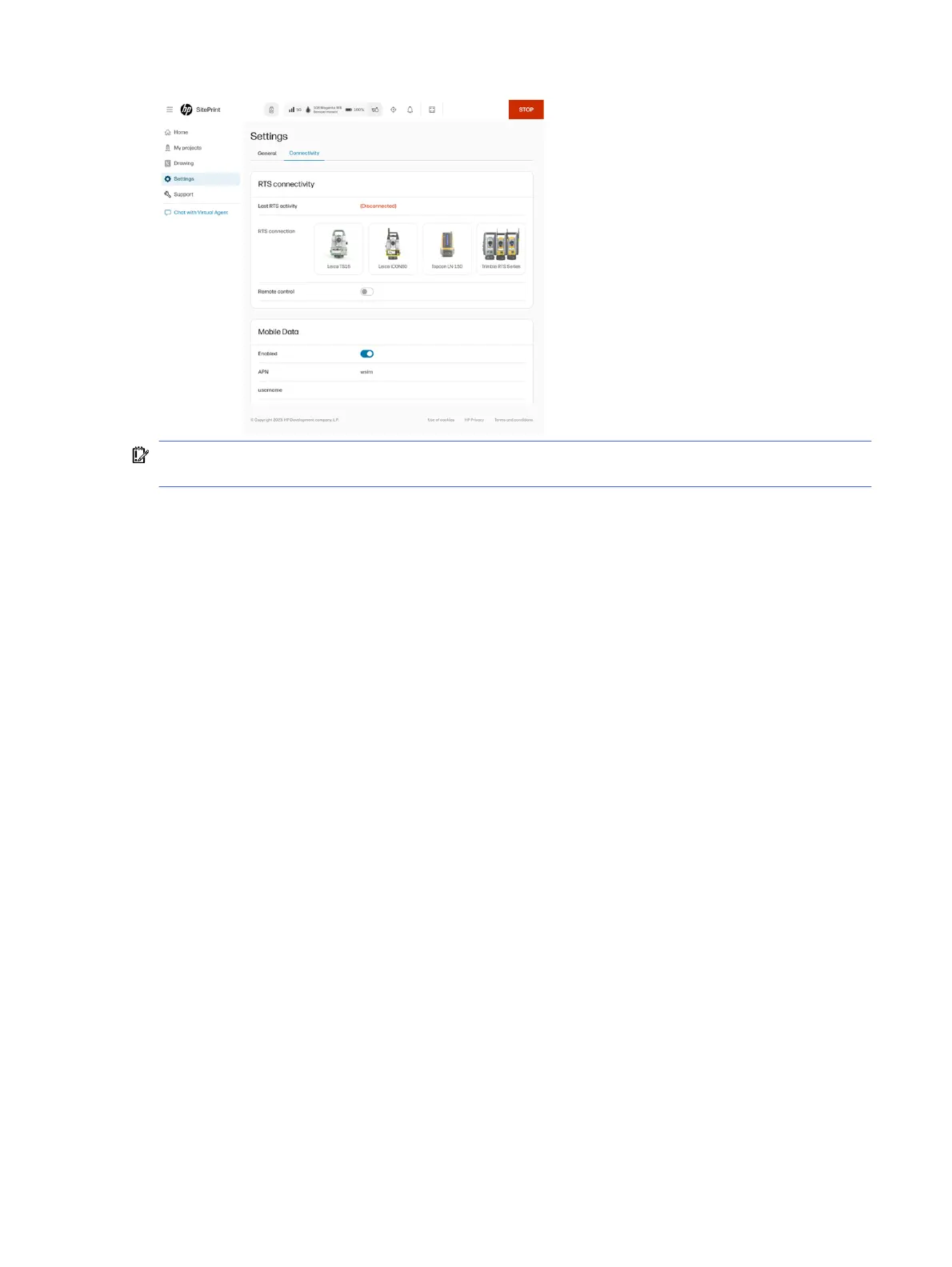
IMPORTANT: The prism selected in the user interface will override the model selected in the RTS. The
user can restore the last RTS setup performed through the RTS tab in the Map view.
Support
This section provides general support options and support for software updates.
General
From the GENERAL tab, you can:
● Open support case to get assistance from a HP SitePrint Robot specialist.
● Download the Diagnostic Package. In case of an issue with the robot, HP support can request it. It is
downloaded on the computer and can be shared to troubleshoot problems remotely.
● Print files: Select a diagnostic file to print a test plot.
● Ink system care:
– Nozzle health check: Prints a pattern to check the correct operation of the nozzles.
– Purge: Flush ink to remove trapped air or fluid in the system. Use to initiate a change in ink type,
after long periods of inactivity, before shipping, or prior to long-term storage.
– Nozzle recovery: Eject ink to remove particles in the nozzles. Wipe the nozzles first to assist in
the de-clogging and/or cleaning.
Support
19



 To Next Page