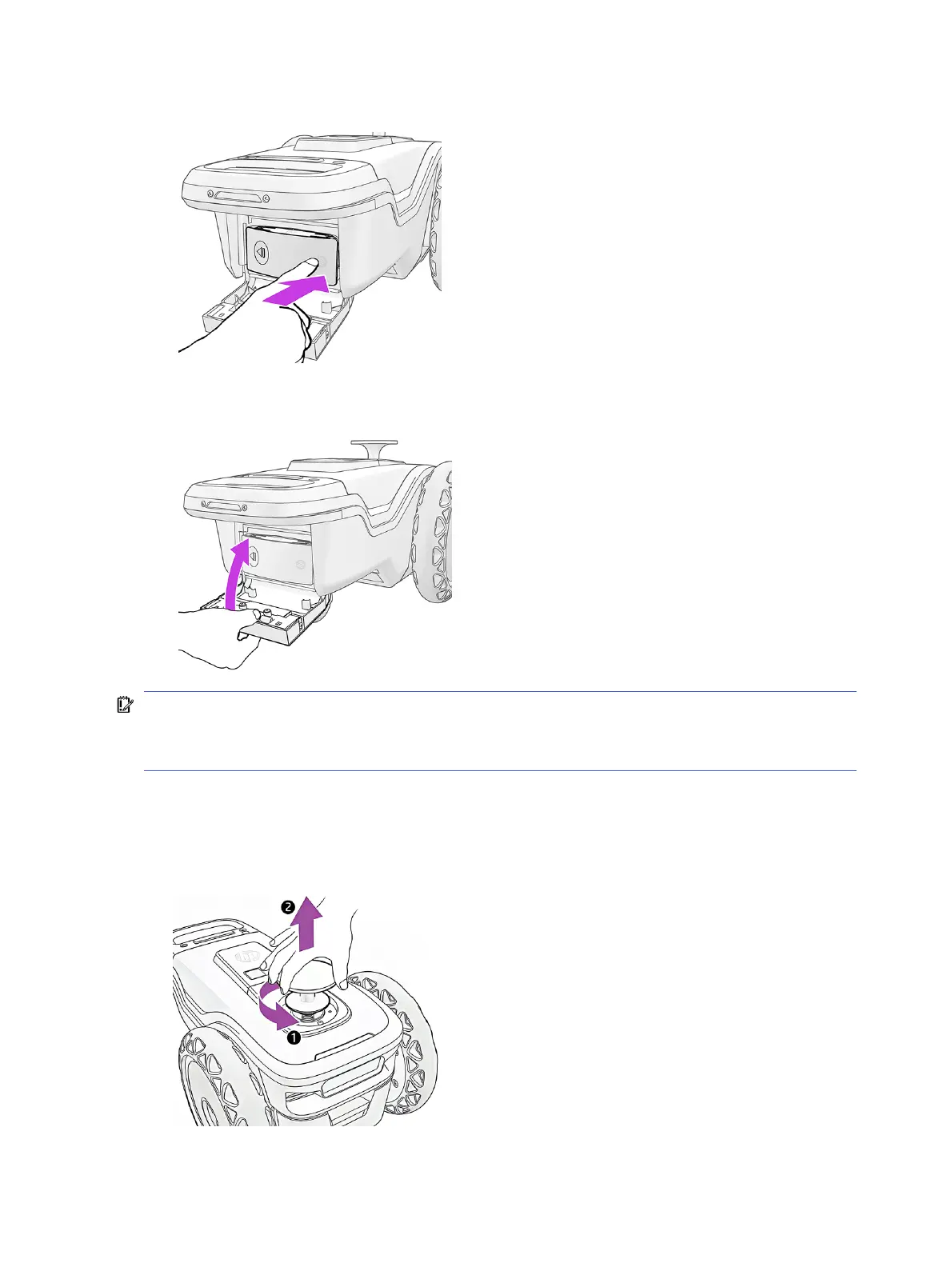
3. Press to the right to lock the cartridge in place.
4. Make sure the ink supply is fully inserted, and close the door. You should feel a click as the door
closes.
IMPORTANT: When replacing an ink cartridge for another one of different type or color, first insert a
cleaning-fluid cartridge, even if the user interface does not request it.
HP recommends storing HP SitePrint supplies at a temperature above 0°C (32°F).
Insert the prism
Take the following steps to insert the prism.
1. Remove the extraction handle from the robot.
40
Chapter 3 Prepare to print



 To Next Page