One of the most important robot maintenance operations is to keep it up to date with the latest official
software from HP.
In every release, a list of new features and enhancements is included.
The process to update the robot is very simple. First, turn on the robot and connect it to the control panel
by Wi-Fi using a supported device, such as a tablet computer.
NOTE: You must log in to HP SitePrint Cloud in order to receive software updates.
IMPORTANT: You must perform a software update before using the robot for the first time.
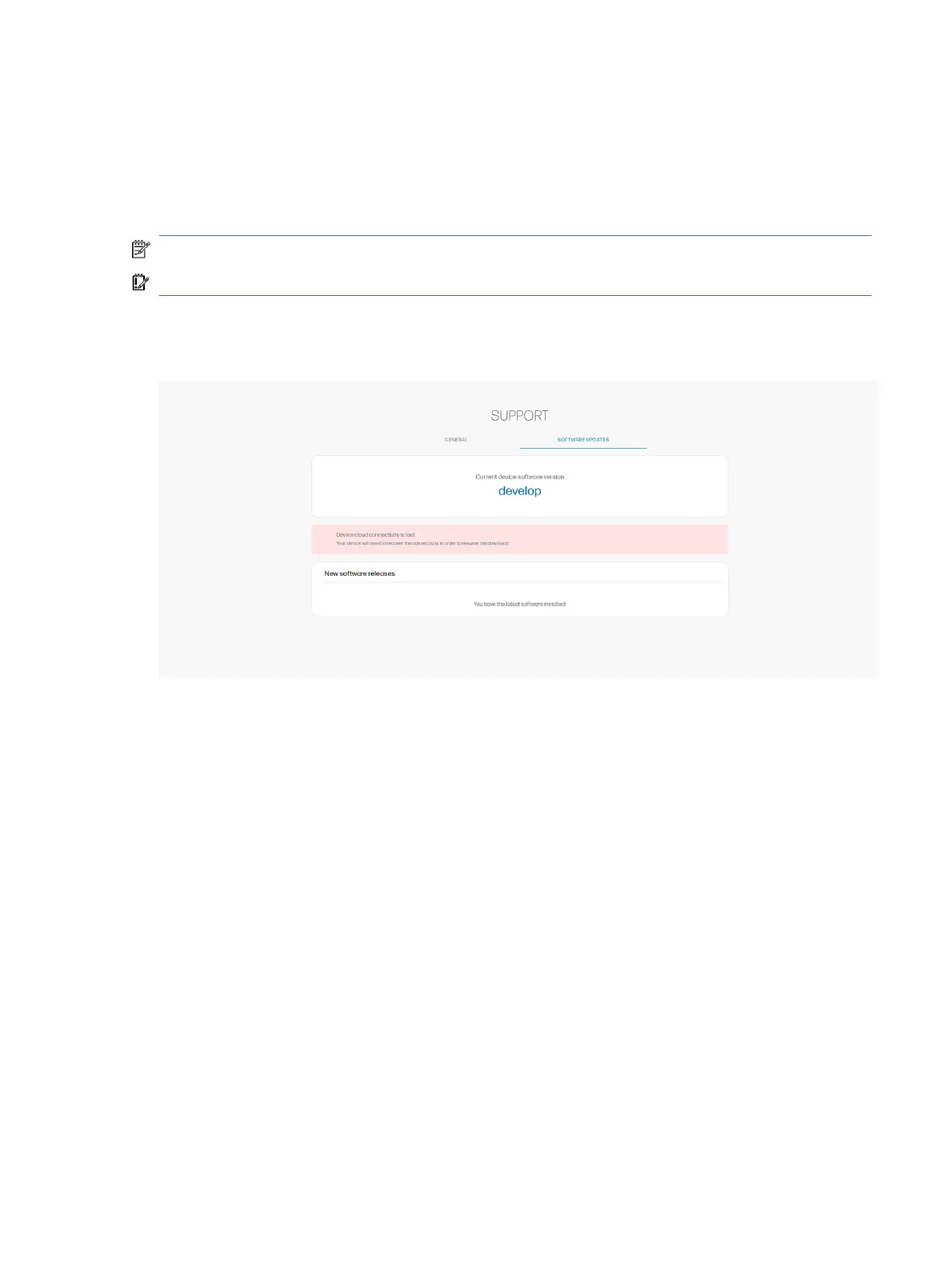
Tap Support > Software updates.
If a newer version is available, it will appear with the option to update.
Software update
61



 To Next Page