110 Chapter 4
Field Replaceable Units
FRU Removal and Replacement
I/O Cards
This section explains how to remove and replace (or install) I/O cards in the B2000
workstation.
The B2000 workstation’s system board has four Peripheral Connect Interface (PCI) slots
for option I/O cards. Slots 1 and 2 are full-size (PCI-2X) slots. Slots 3 and 4 are half-size
(PCI-1X) slots.
NOTE
The optional graphics cards supported by the B2000 workstation are designed
to be electrically compatible with the PCI slots. See Table 1-1 in Chapter 1 for
the optional graphics cards supported in the B2000 workstation.
Figure 4-34 provides a brief description of slot capabilities.
Figure 4-34. PCI Card Slot Numbering and Capabilities
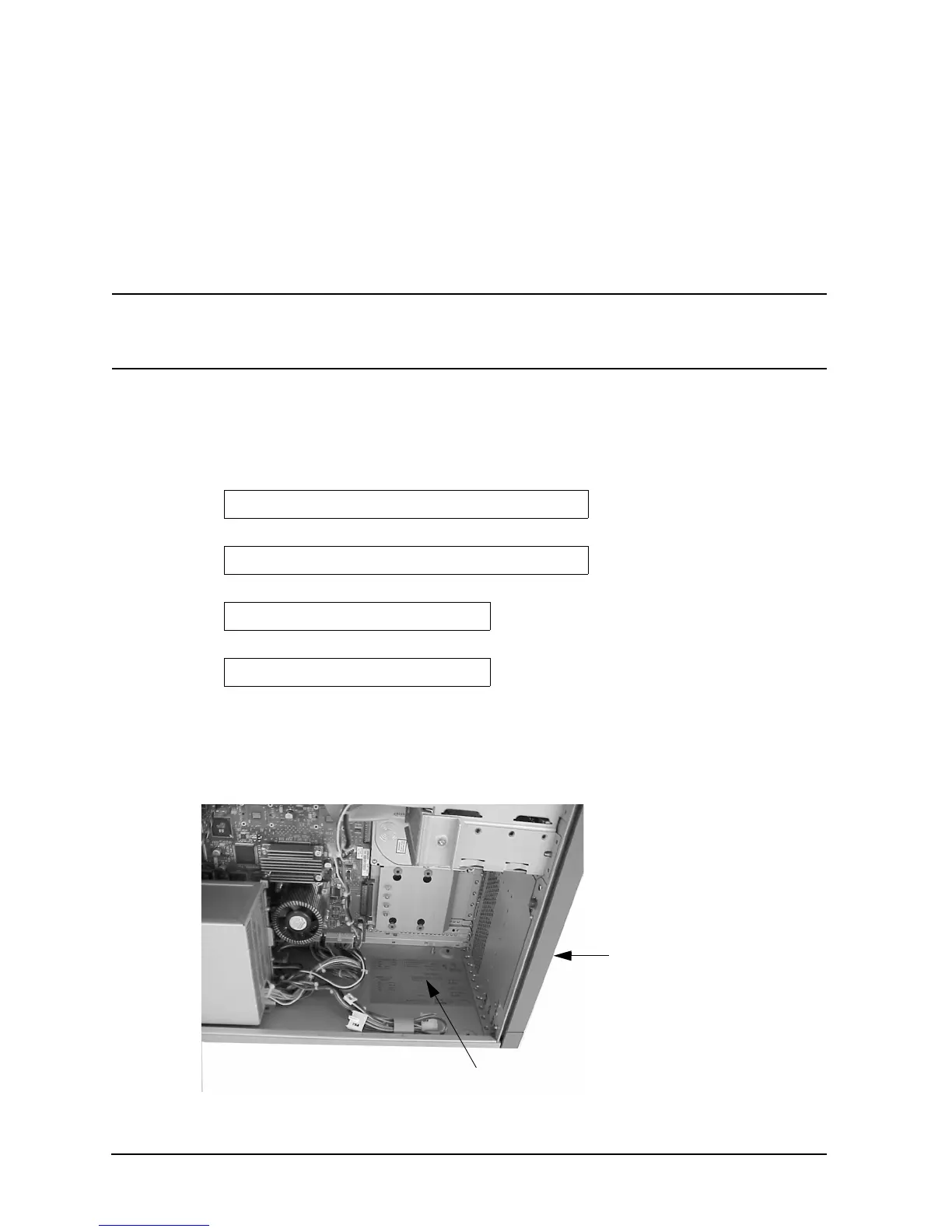
The information described in Figure 4-34 is also provided on the B2000 system label on the
chassis floor inside the workstation. See Figure 4-35 for the location of the system label.
Figure 4-35. B2000 System Label
64-bits, 5V, 33MHz
64-bits, 5V, 33MHz
32-bits, 5V, 33MHz
32-bits, 5V, 33MHz
Slot 1
Slot 2
Slot 4
Slot 3
B2000 System Label
Front of the
Workstation



 To Next Page