Chapter 3 47
Troubleshooting
Identifying LCD-Indicated Conditions
Identifying LCD-Indicated Conditions
The B2000 workstation uses an LCD panel to display firmware/OS progress codes. The
codes, referred to as chassis codes, consist of one of the mnemonics listed below, followed by
a 4-digit hexadecimal number identifying the code module being executed. The mnemonics
and their meanings are:
FLT
A hardware error has been detected
TST
Hardware being tested
INI
Hardware being initialized
SHU
System being shutdown
WRN
A non-optimal or unusual operating condition exists
RUN
Computer is running operating system
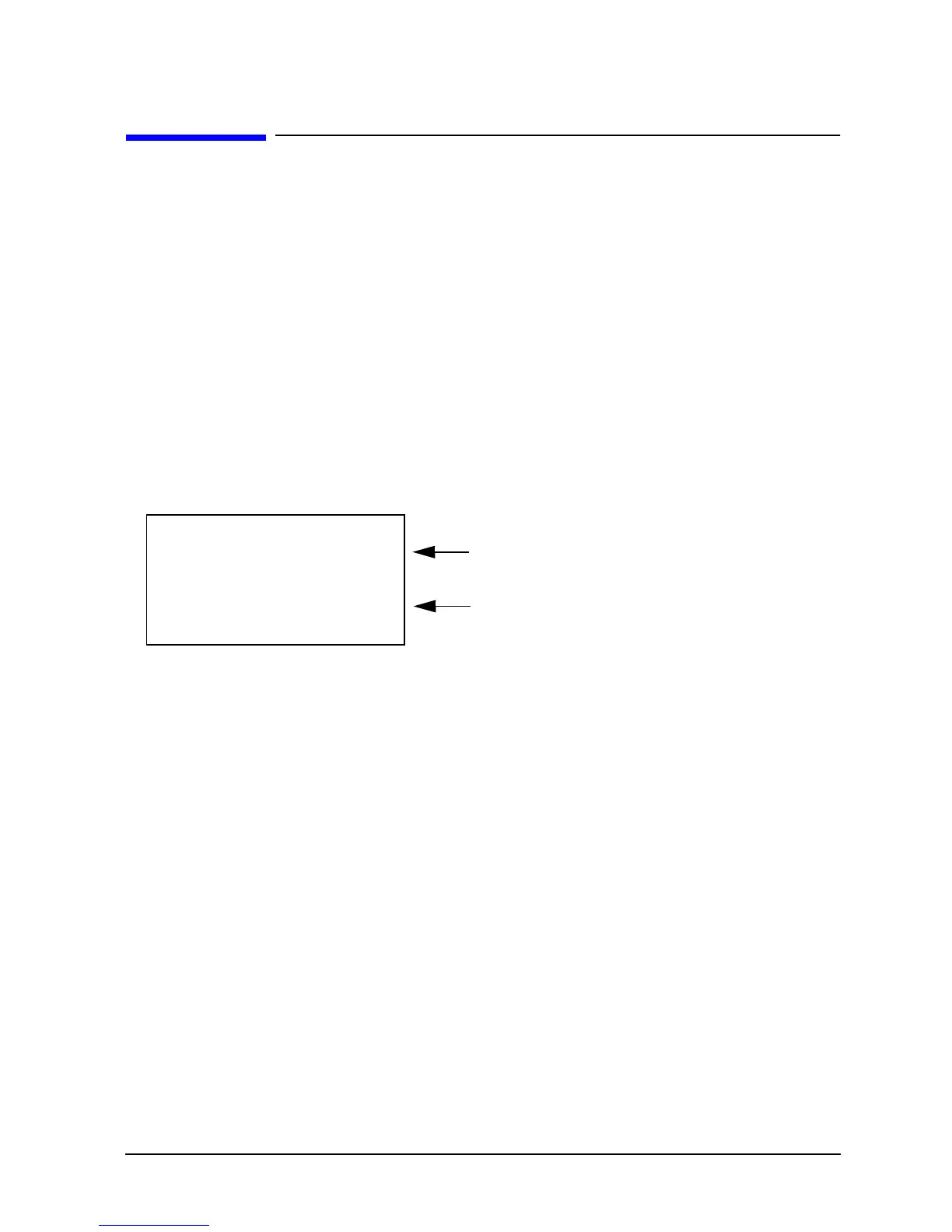
In general, the LCD display has the following format:
MMM
Three-character chassis code mnemonic
CCCC
Four-digit hexadecimal code
FFFFFF
Six-character Field Replaceable Unit (FRU) description
DDDDDDDDDDDDDDDD
Description of the chassis code
If the system encounters an
FLT
code while the system is booting, the
FLT
code is
interpreted and a message is displayed. For example, you may have information similar to
the following in the LCD:
FLT
Three-character chassis code mnemonic
30FC
Four-digit hexadecimal code
SYS BD
Six-character Field Replaceable Unit (FRU) description
bad sys bd id
Description of the chassis code
MMM CCCC: FFFFFF
DDDDDDDDDDDDDDDD
Line 1
Line 2



 To Next Page