Chapter 1 21
Product Information
Front Panel Components
Floppy Disk Drive (Optional)
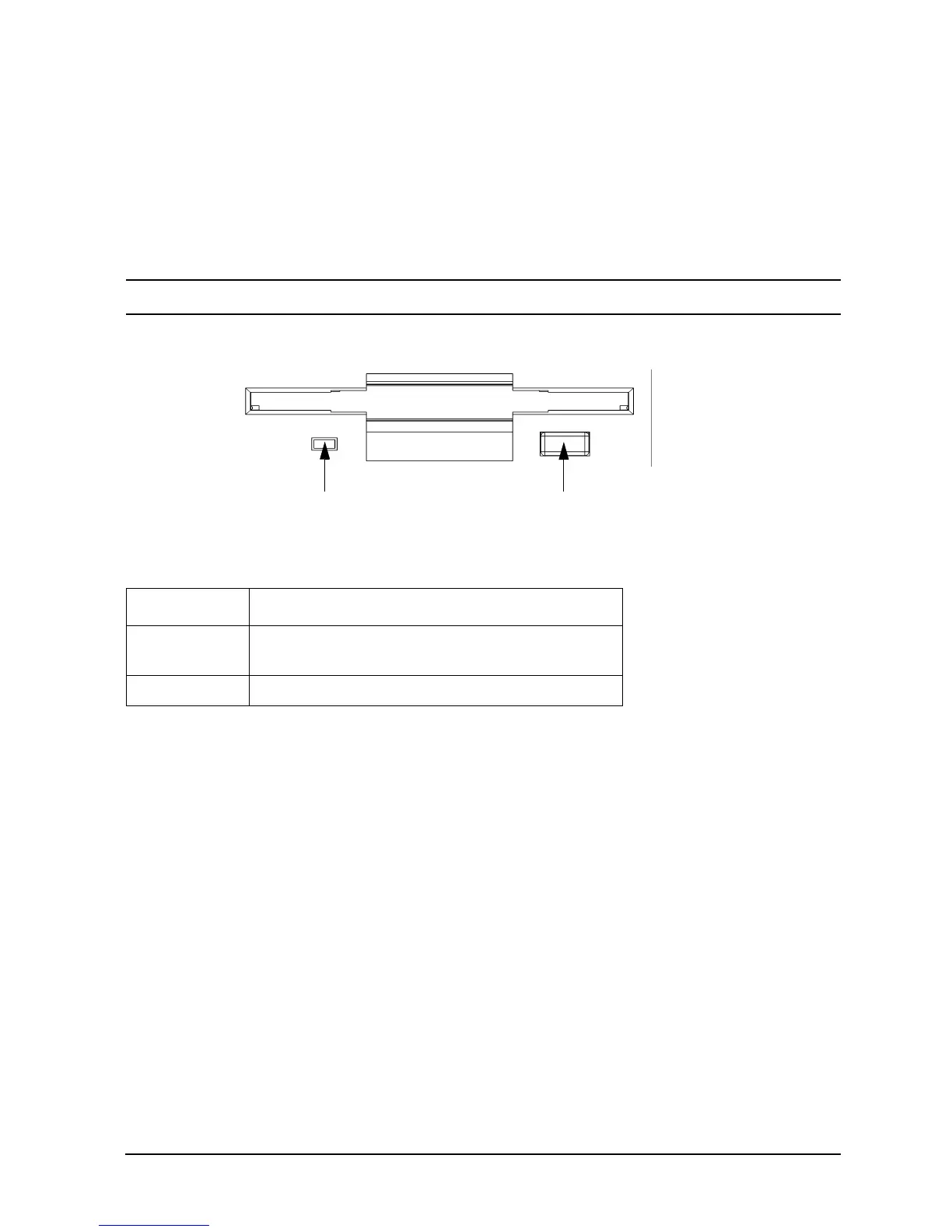
The optional floppy disk drive is a 3.5-inch form factor device with a PC/AT interface. It
connects to the workstation via a 34-pin PC/AT ribbon cable and a 4-pin power cable. The
floppy disk drive has up to 1.44 MB capacity depending on the media and format used.
Figure 1-4 shows the features of the floppy disk drive, and Table 1-3 describes these
features.
NOTE
The B2000 workstation supports one floppy disk drive only.
Figure 1-4. Floppy Disk Drive Features
Table 1-3. Floppy Disk Drive Features
Feature Purpose
Activity LED Illuminates during a data access operation and
blinks during a data transfer.
Eject Button Ejects a floppy disk from the drive when pressed.
Eject Button
Activity LED



 To Next Page