26 Chapter 1
Product Information
Rear Panel Components
Security Loop
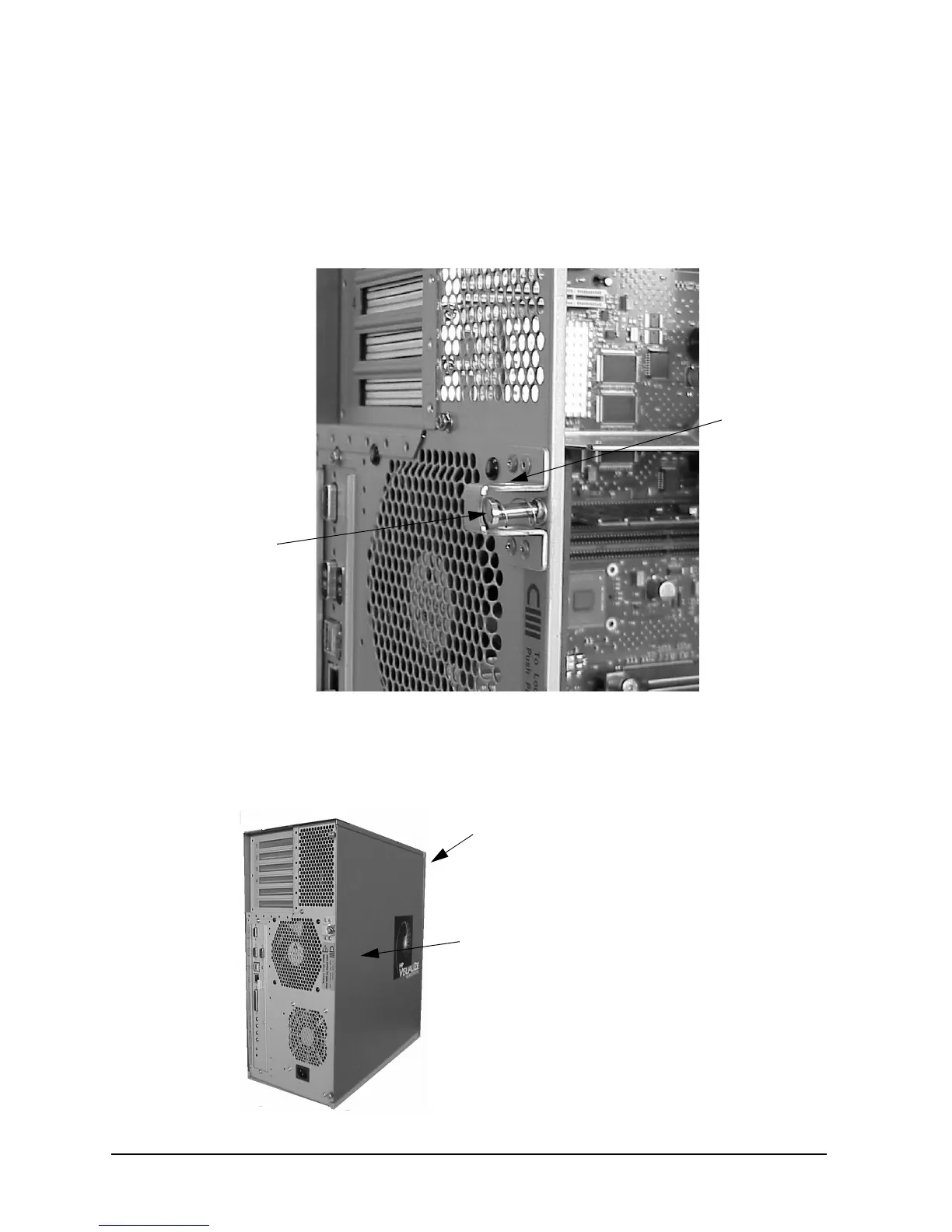
There is also a security loop on the rear panel of the B2000 workstation. The security loop
allows you to lock the workstation’s left side panel, thus securing the internal components
of the workstation. Figure 1-7 provides a view of the security loop.
Figure 1-7. Security Loop Components
To lock the workstation’s left side panel, follow these steps:
1. Make sure the workstation’s left side panel is closed, as shown in Figure 1-8.
Figure 1-8. Closed Left Side Panel
Security
Loop Pin
Hole
Security
Loop Pin
and Spring
Workstation’s
Front Panel
Left Side Panel
(Using the Front
Panel as Reference)



 To Next Page