Chapter 3 49
Troubleshooting
Fan Faults and Warnings
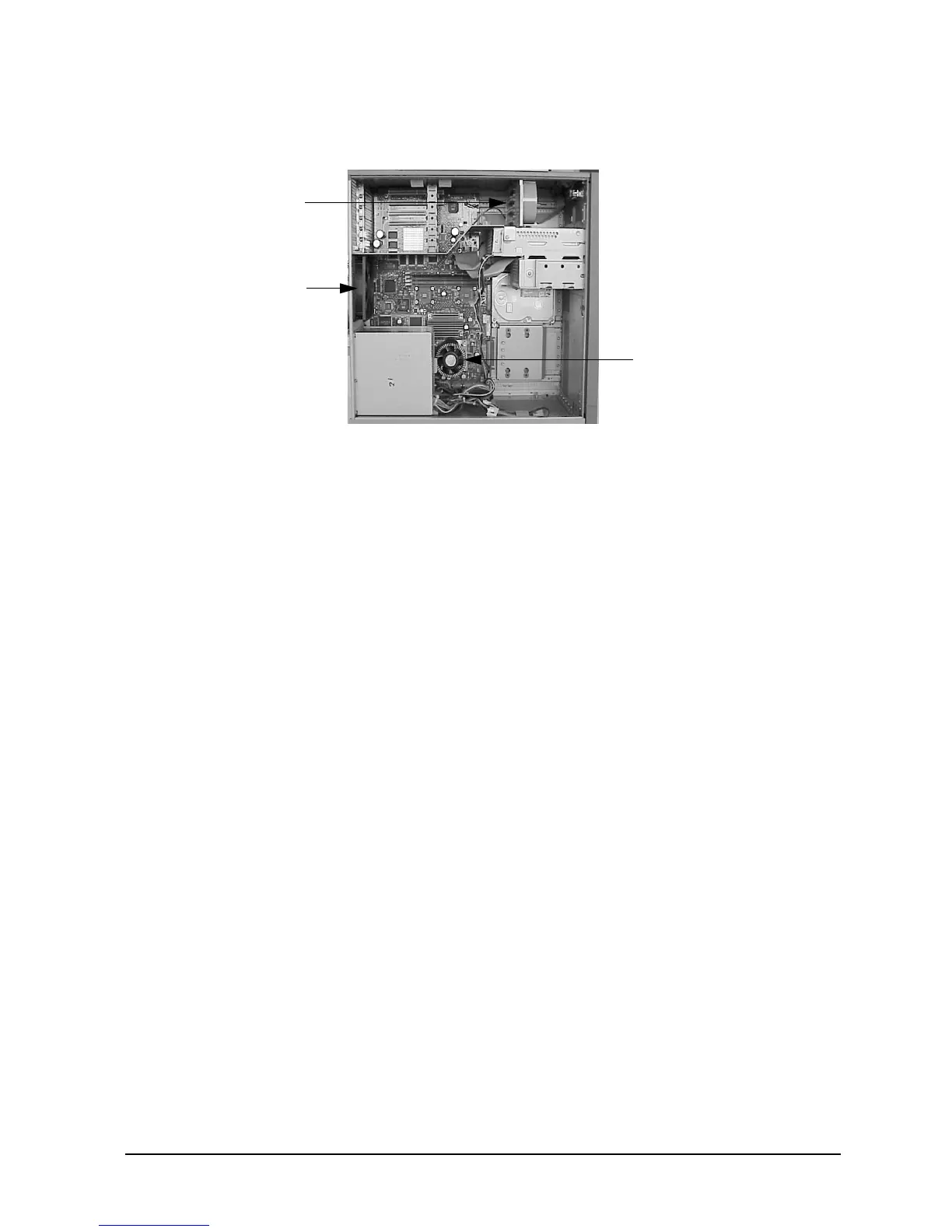
Figure 3-5. Fan Locations
In the case of a fan problem, you will need to replace:
• The fan itself, if it is either an I/O fan (2) or a system fan (4).
• The entire system board tray assembly, if it is a processor fan (5) (that is, the fan
mounted on the PA-RISC microprocessor on the system board).
See Chapter 4 for the procedures you should follow to remove and replace a fan.
I/O Fan (2)
System
Fan (4)
Processor
Fan (5)



 To Next Page