Chapter 6 153
Boot Console Handler
Displaying and Setting the Monitor Type
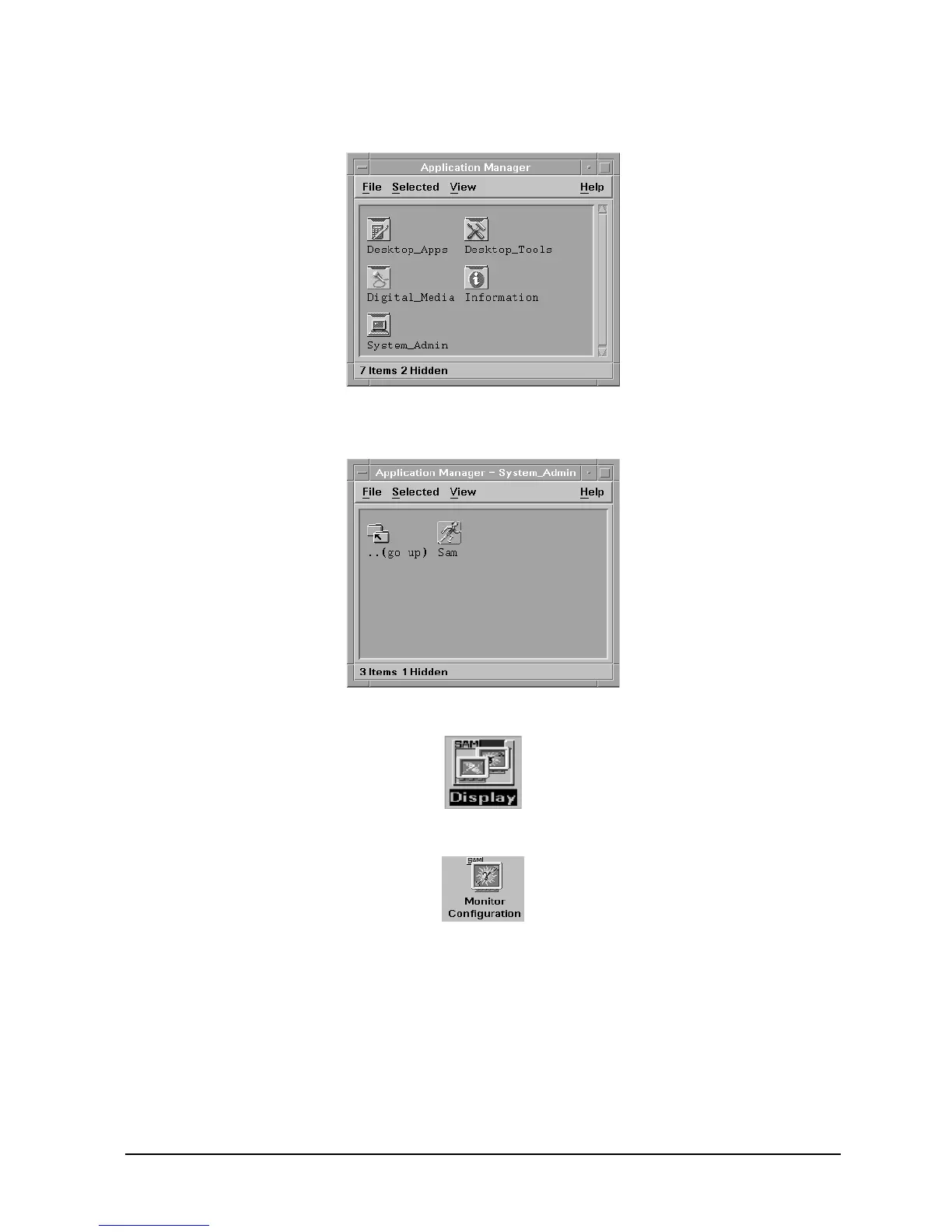
3. Double-click on the System_Admin icon in the Application Manager window.
4. Double-click on the Sam icon in the Application Manager -- System_Admin window.
If you are root, the System Application Manager (SAM) will appear on the screen.
5. Double-click on the Display icon.
6. Double-click on the Monitor Configuration icon in the Display window.
The Monitor Configuration window will have a monitor icon(s) in it that is/are
associated with the graphics card(s) in the workstation’s I/O card slot(s).
7. Click on the monitor icon in the Monitor Configuration window whose monitor type
you want to set.



 To Next Page