Chapter 2 33
Configuration
System Hardware Configurations
Configuring a Hard Disk Drive as a File System
This section describes how to use SAM to add a hard disk drive to the workstation as a file
system and how to remove the hard disk drive from the workstation. For more information
about configuring a hard disk drive, refer to the Managing Systems and Workgroups
manual.
The procedures in this section require you to log in as
root
. If you cannot log in as
root
,
contact the system administrator.
Adding a Hard Disk Drive as a File System
To add a hard disk drive as a file system using SAM, do the following:
1. Log in as
root
.
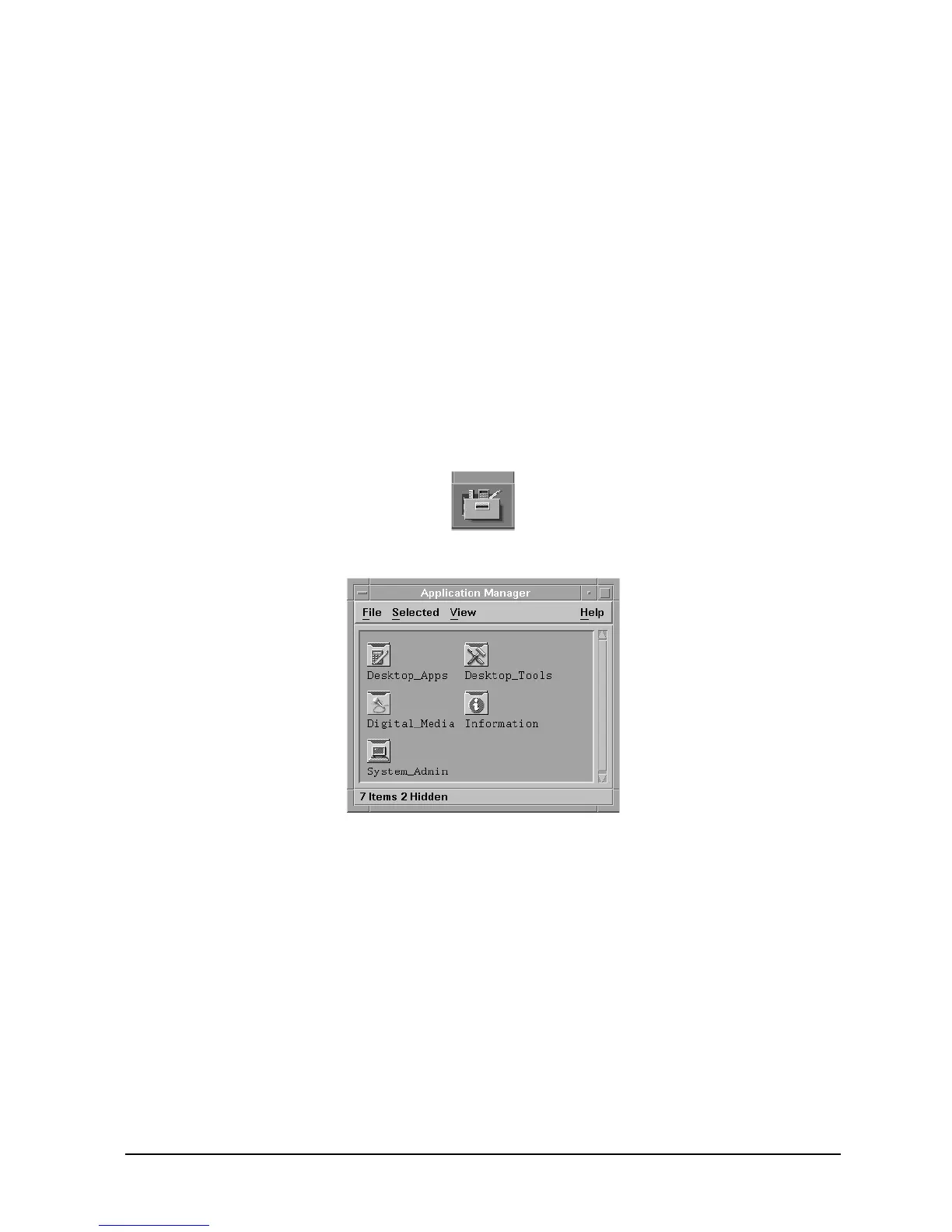
2. Move the mouse pointer to the Application Manager control for tools and click the left
mouse button. Alternatively you can execute
sam
at a terminal window command
prompt and skip to step 5.
3. Double-click on the System_Admin icon in the Application Manager window.



 To Next Page