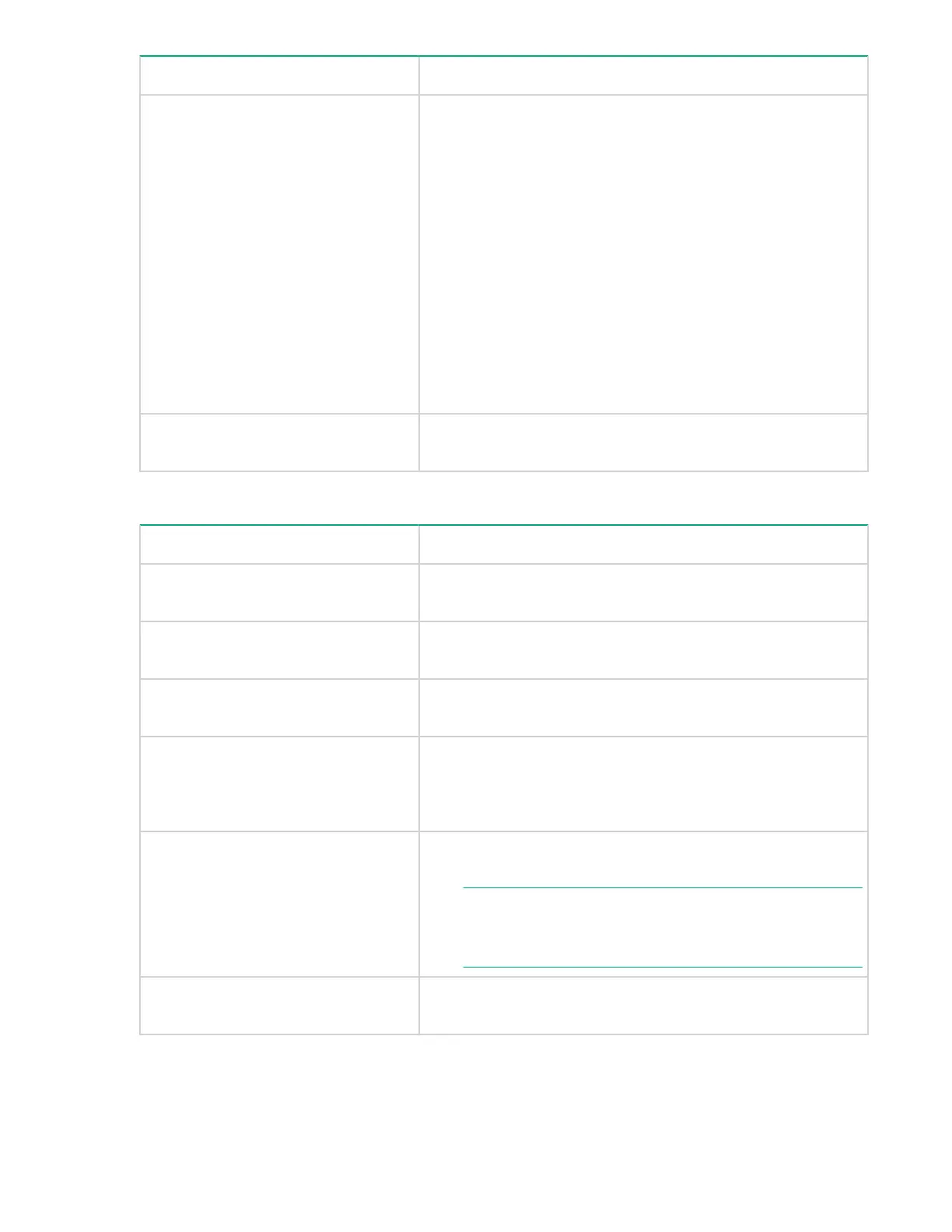
Screen elements Description
Alarm Type This list displays the following options:
• All: This option is for viewing both the serious and the
recovery alarms.
• Recovery Alarm: This option is for viewing records that are
logged for alarm notifications dispatched after the
performance of a component dropped below the set
threshold limit.
• Serious Alarm: This option is for viewing records that are
logged for alarm notifications dispatched when the
performance of a component rises beyond the set threshold
limit. An alarm notification is dispatched only the first time
when the performance of a component goes beyond the set
threshold limits.
Start Time and End Time From the respective calendars, select the start and end time
range for filtering the component records.
Table 12: Viewing Alarm History records
Screen elements Description
Alarm State Displays the current state of an alarm: Recovery Alarm or
Serious Alarm.
DKC/Grp (Array Name) Displays the array model to which the selected component
belongs.
Array Type Displays the array type to which the selected array model
belongs.
Metric Displays the metric for which a component is monitored. When
you select the All option in the Metrics list, the alarm records
configured on the selected component are displayed in the
Alarms table.
Resource Displays the component that is monitored for a particular metric
and metric category.
NOTE: The Resource is displayed as PVOL: LDEVID
(serial number) and SVOL: LDEVID (serial
number) for the Pair Status alarms.
Value Displays the current performance value that is recorded for a
component.
Table Continued
Alarm History 163



 To Next Page