Shenzhen Hpmont Technology Co., Ltd. Chapter 7 Detailed Function Introduction
HD09-S Series User Manual V1.1 - 71 -
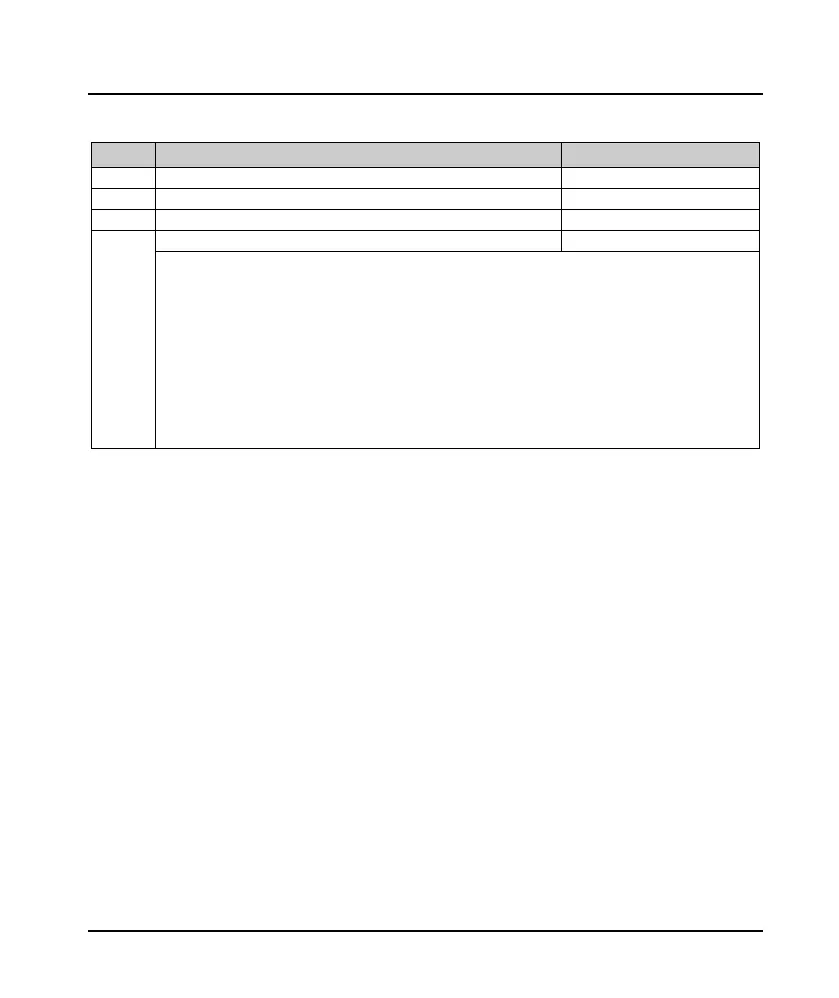
7.20 R02: AI Correction Parameters
Ref. Code Function Description Setting Range [Default]
R02.00 AI display voltage 1 0.00 - 10.00V [Default]
R02.02 AI display voltage 2 0.00 - 10.00V [Default]
R02.00 - R02.03 used to correct the AI input signal.
Step:
1. Before correcting, please set R02.00 - R02.03 to zero to get the value of original input AI.
2. Enter a 0 - 10V signal, view d00.27 and measure the actual input value with a multimeter, record both
values.
3. Enter another 0 - 10V signal, continue to d00.27 and measure the actual input value with a multimeter,
record both values.
4. Input the above two measured parameters into R02.00 - R02.01 and R02.02 - R02.03, respectively, to
complete the manual correction.
Note: The above parameters have been factory calibrated, the user generally do not need to be calibrated again.

 To Next Page
 Loading...