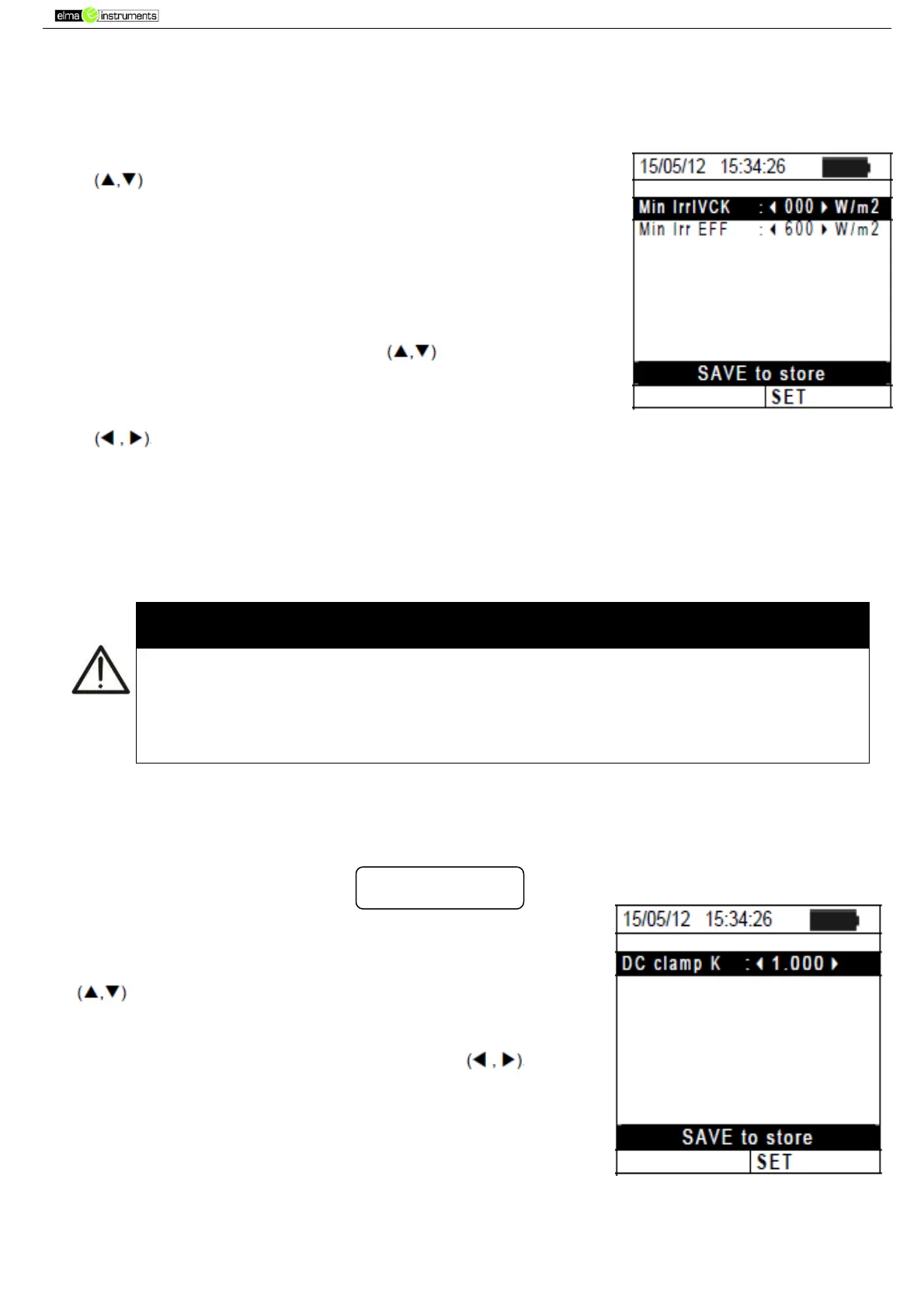
5.1.5. Irradiance
This section allows setting the minimum irradiance threshold both for IVCK measurement
and for efficiency test on a PV installation.
1. Position the cursor onto “Irradiance” by using the arrow keys
and confirm with ENTER.
2. The display shows the screen containing “Min Irr IVCK”, which
allows setting the minimum irradiance threshold expressed in
W/m2, used by the instrument as a reference during IVCK
measurement, and “Min Irr EFF”, which allows setting the
minimum irradiance threshold expressed in W/m2, used by the
instrument as a reference while measuring the efficiency of a
PV installation. Use the arrow keys to switch between
the two items.
3. To set the minimum irradiance threshold, use the arrow keys
. To obtain results with the accuracy guaranteed in this
manual, we recommend following the instructions given in § 10.
The value can be set within the following range: 0 800 W/m
2
4. Press Press the SAVE key to save the settings made; the
message “Data saved” will be displayed for a few seconds. Press
the ESC/MENU key to exit without saving and go back to the
previous screen
The “0 W/m
2
” setting for parameter “Irr min IVCK” allows carrying out IVCK
measurements without the following conditions being checked:
Connection of reference cell to IRR input of the instrument
Unsteady irradiation values
Number of modules consistent with the measured open circuit voltage
5.1.6. DC Clamp
This option allows setting a possible correction factor K for the DC clamp, in order to
improve current measurement. If present, the correction factor is indicated on the rear label
of the clamp itself, indicated as:
In case no label is present, set k = 1.000
1. Position the cursor onto “DC Clamp” by using the arrow keys
and confirm with ENTER.
2. The display shows the item “DC clamp K”, which allows setting
the corrective factor in the following range 0.950 to 1.050. Set
the desired values by means of the arrow keys
3. Press the SAVE key to save the settings made; the message
“Data saved” will be displayed for a few seconds. Press the
ESC/MENU key to exit without saving and go back to the
previous screen. “



 To Next Page