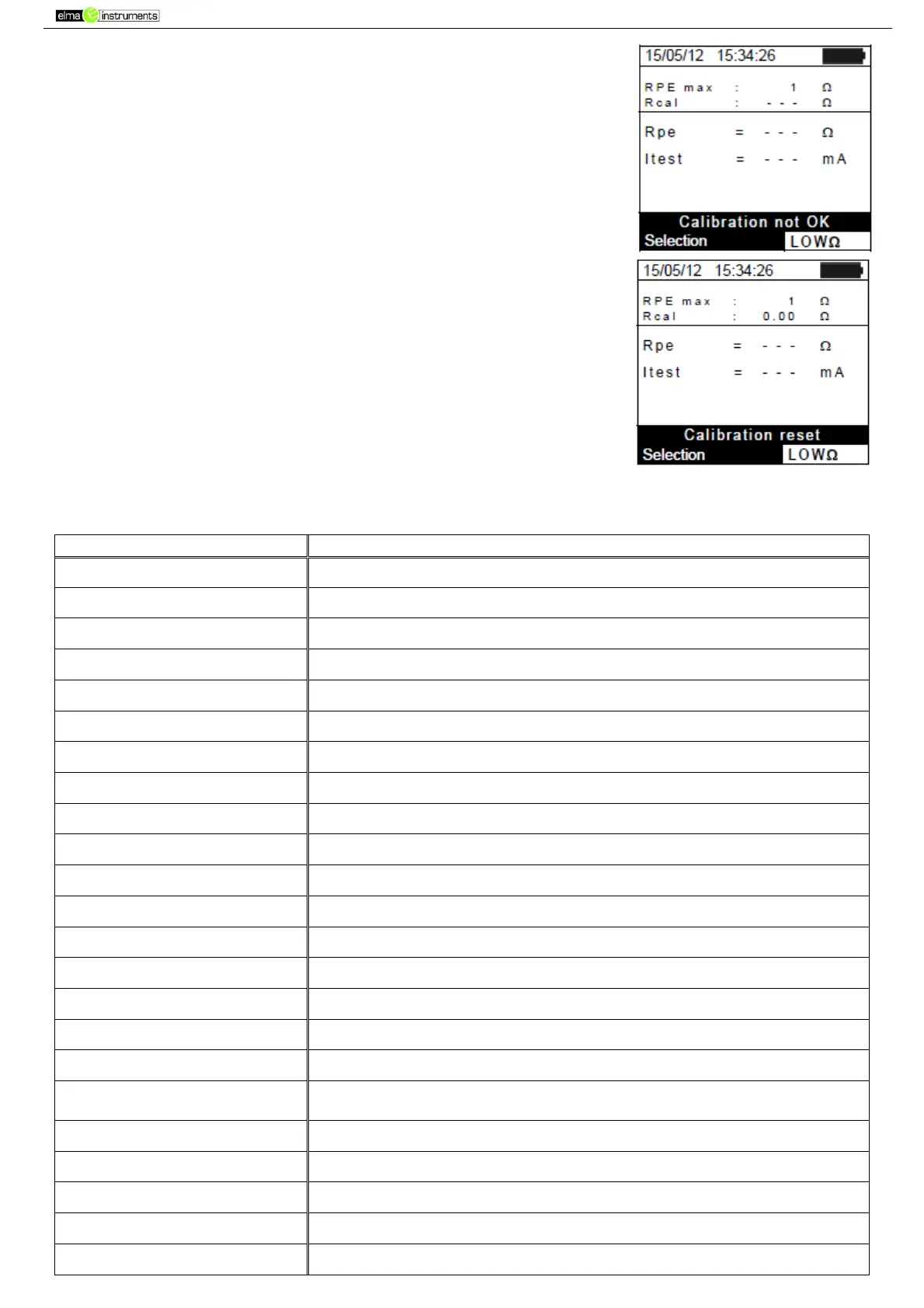
2. In case the instrument detects that the calibrated resistance is
higher that the measured resistance, the instrument gives out a
long sound and displays the message: “Calibration not OK”
3. In case the instrument detects a resistance higher than 5Ω at its
terminals, it gives out a long sound, zeroes the compensated
value and displays the message
“Calibration reset”.
6.6. LIST OF DISPLAY MESSAGES
The selected function/characteristic is not available
The instrument was not able to save the data
Set a correct system date
The instrument does not communicate via RF with external units
SOLAR-02: Firmware incorrect
Inconsistent SOLAR-02 FW. Update firmware.
Unsuitable instrument FW. Update firmware.
Internal instrument error
The number of modules added to the internal DB is > 30
The name of the module has already been added to the DB
Instrument memory full upon pressing the GO key
Check module settings inside DB
Check module settings inside DB
Error: Vmpp * Impp >= Pmax
Check module settings inside DB
Check module settings inside DB
Check module settings inside DB
Check module settings inside DB
Check module settings inside DB
Download data from SOLAR-02 and wait for the result of PV efficiency
test
Contact service department
Problems with the access to memory area
The instrument does not detect any remote unit SOLAR-02
Unable to perform analysis
Problems with the data downloaded from SOLAR-02. Check settings.
Generic error. Repeat the test.



 To Next Page