Contacts 102
NOUG-2.1.0-100 Nexus One User’s Guide
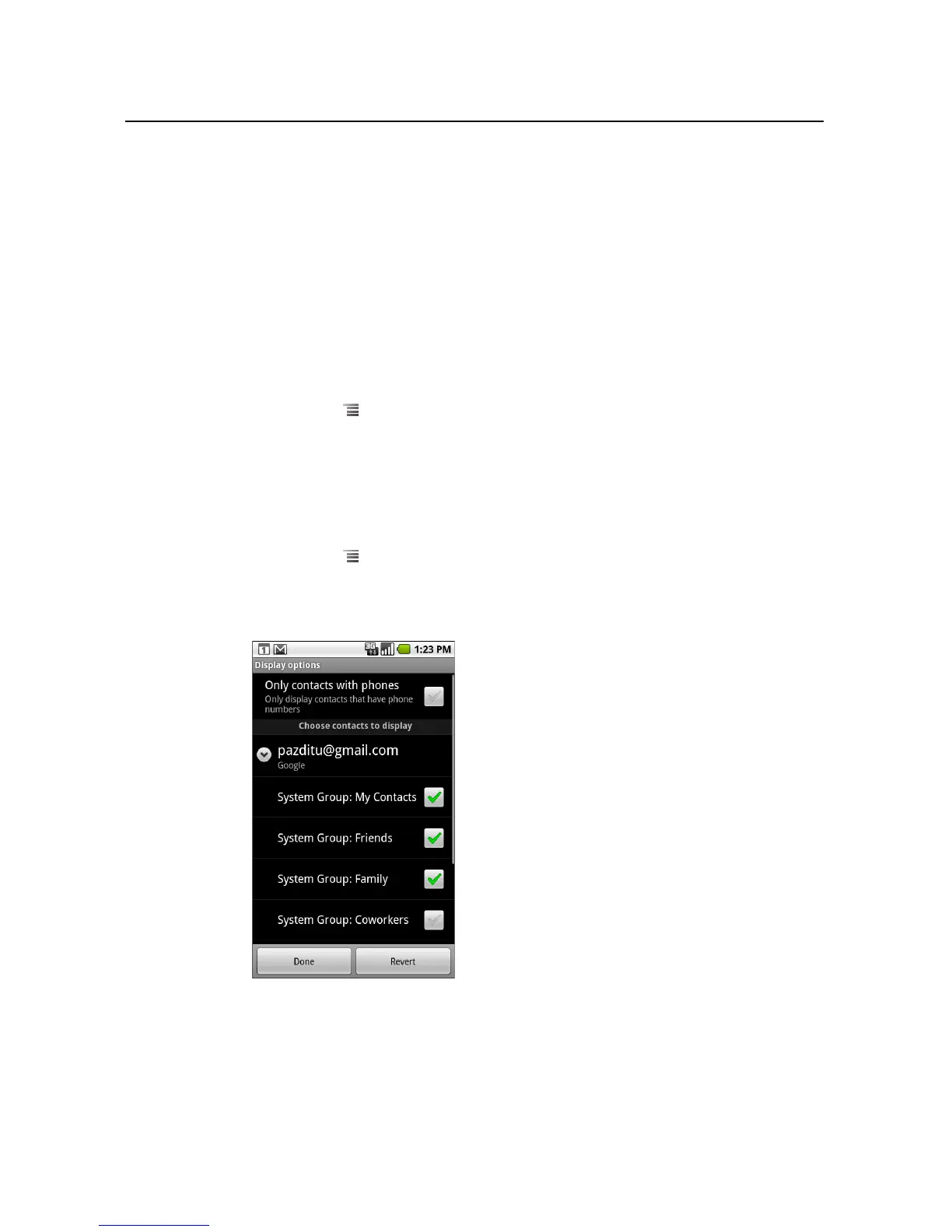
Changing which contacts are displayed
You can hide contacts that don’t have phone numbers. You can also configure which
groups of contacts, for each account, you want to display in the Contacts list.
To set whether contacts without phone numbers are displayed
If you use your list of contacts only to call people, you can hide any contacts that don’t
have phone numbers.
1 Open your list of contacts.
2 Press Menu and touch Display options.
3 Check or uncheck Only contacts with phones.
To change what groups are displayed
1 Open your list of contacts.
2 Press Menu and touch Display options.
3 Touch an account to open its list of groups.
An account’s groups depend on the kind of account.



 To Next Page