Android basics 47
NOUG-2.1.0-100 Nexus One User’s Guide
Context menus
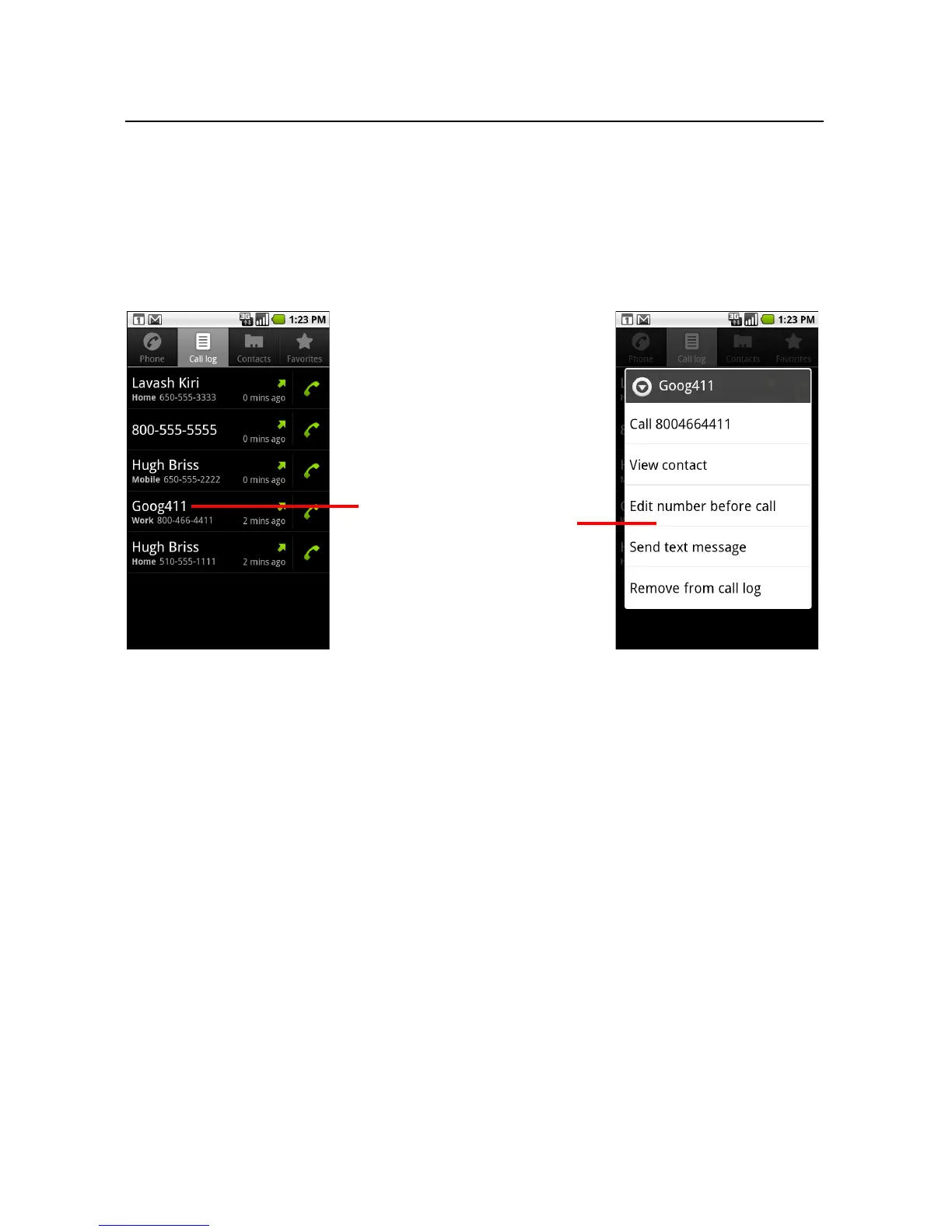
Context menus contain tools that apply to a specific item on the screen. You open a
context menu by touching & holding an item on the screen. Not all items have context
menus. If you touch & hold an item that has no context menu, nothing happens. You
can also open a context menu for an item by selecting it with the trackball and then
pressing the trackball.
When you touch & hold some items
on a screen, a context menu opens.



 To Next Page