Google Voice 154
NOUG-2.1.0-100 Nexus One User’s Guide
Exchanging text (SMS) messages
You can use Google Voice to send and receive text (SMS) messages.
To send a text message
1 Open your Inbox.
2 Press Menu and touch Compose.
3 Enter the phone number to which you want to send the message .
4 Enter a short text message.
5 Touch Send.
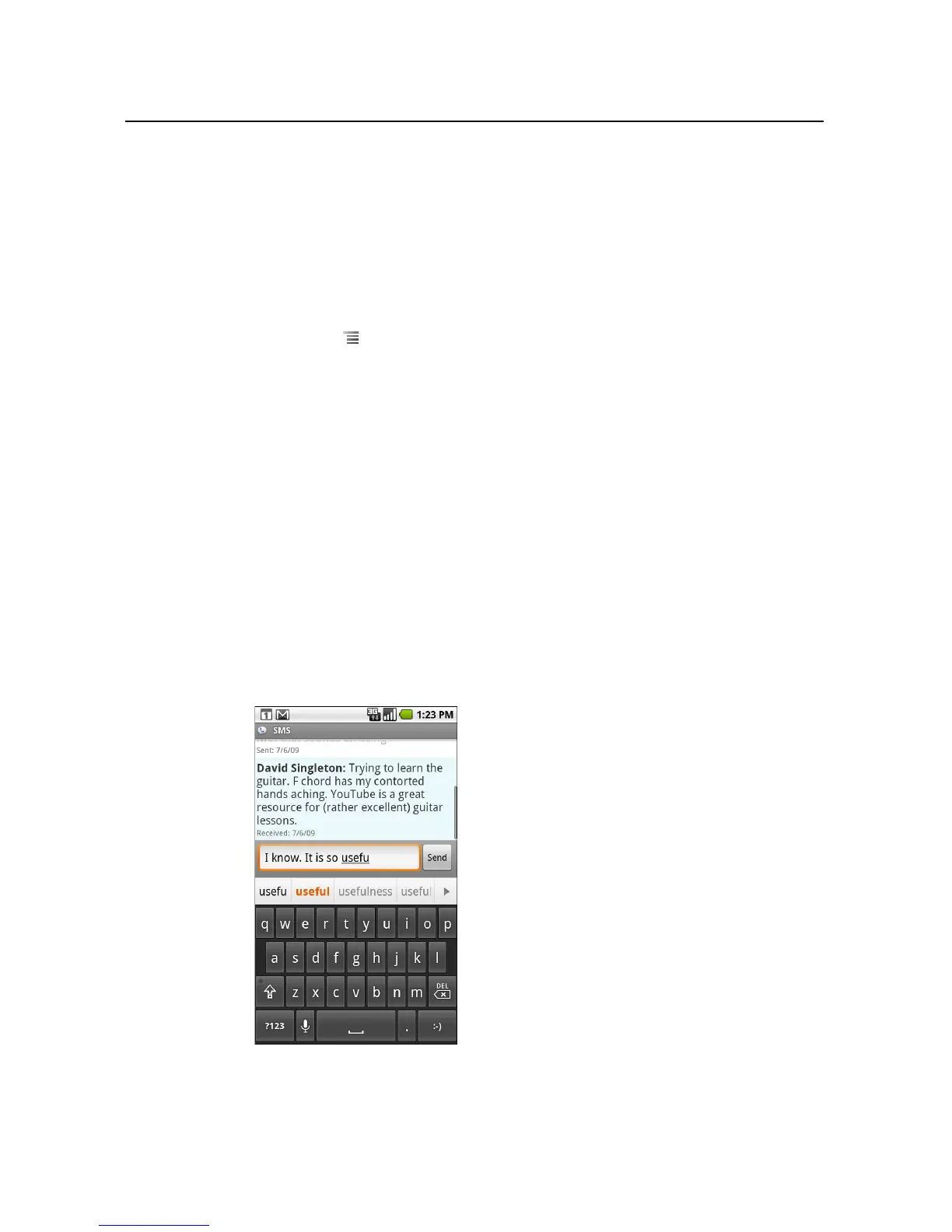
To read and reply to a text message
When someone sends a text message to your Google Voice number, you receive a
notification that it’s in your Google Voice Inbox.
1 Touch the notification that you’ve received a text message in your Google Voice
Inbox.
You can also touch any message that’s in your Inbox.
The message, and any previous messages in the conversation, is displayed.
2 To reply to the message, enter a short message and touch Send.



 To Next Page