Gallery 244
NOUG-2.1.0-100 Nexus One User’s Guide
Working with pictures
Use Gallery to view pictures that you’ve taken with Camera, downloaded, or copied
onto your microSD card, or that are stored in Picasa web albums. You can also edit the
pictures on your microSD card and share them with friends.
To view and browse pictures
S Open a Gallery album and touch a picture.
See “Opening Gallery and viewing your albums” on page 238 and “Working with
albums” on page 240.
S Turn the phone to view the picture in upright (portrait) or sideways (landscape)
orientation.
The picture is displayed (but not saved) in the new orientation.
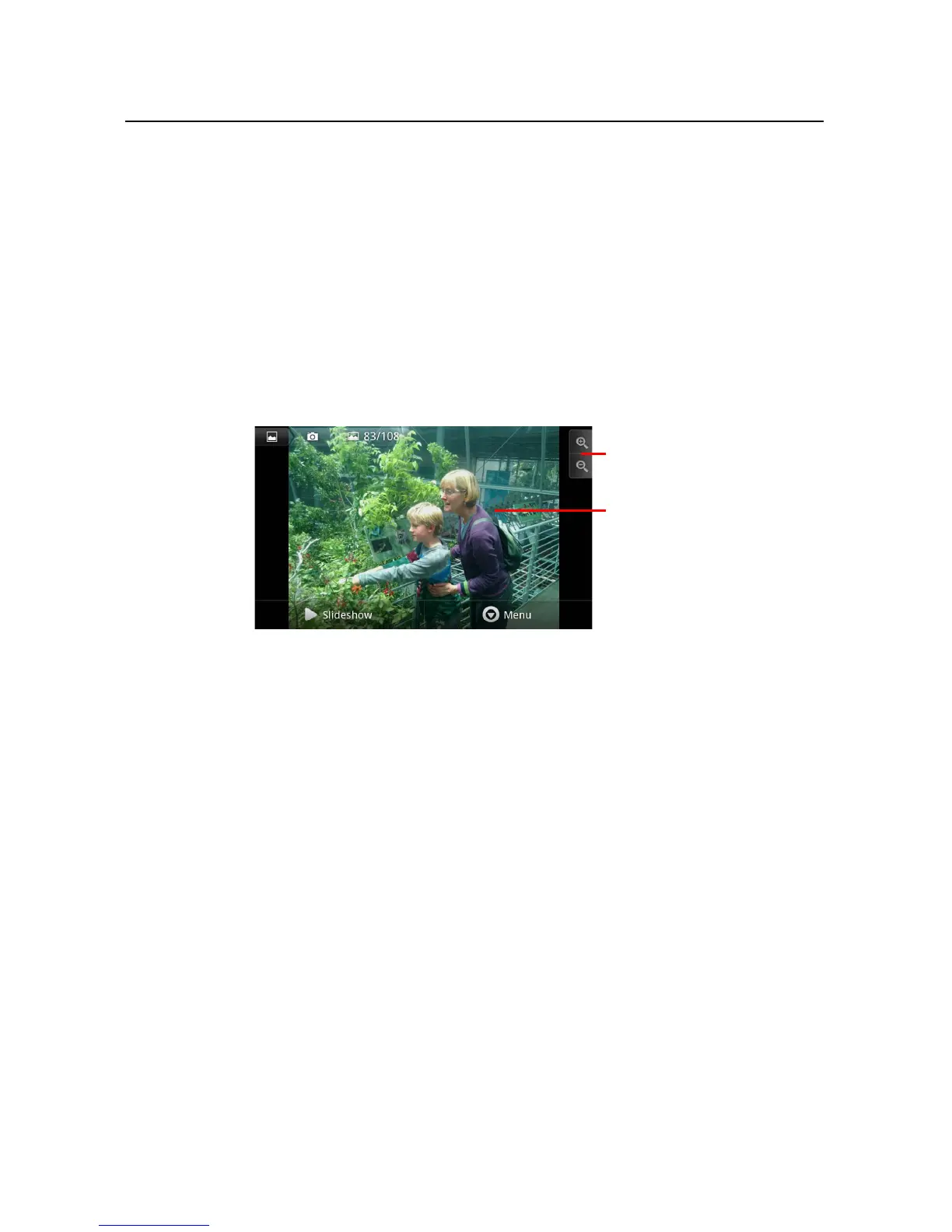
S Touch the picture to view the Navigation, Zoom, and other controls.
S Touch the Zoom icon to zoom in our out. Or just double-tap the screen.
S When the picture is zoomed in, drag the picture to view parts that are not in view.
S When the picture is zoomed to fit in the window, drag left or right to view the next
or previous picture in the album.
To watch a slideshow of your pictures
S Touch a picture to view the controls and touch Slideshow.
S Touch a picture to end the slideshow.
Touch to zoom in or out; or
just double-tap the picture.
Touch the picture to see the
controls.
Drag left or right to see the
next or previous picture in the
album.



 To Next Page