Your phone and accessories 16
NOUG-2.1.0-100 Nexus One User’s Guide
Installing the battery, SIM, and microSD card
You must insert the battery before you can use the phone. The phone comes with a
4GB microSD card for storage already installed. If you purchased the phone with a
contract, it also comes with a SIM card for your carrier installed. You can replace the
microSD card or insert a SIM card at any time. (See “Connecting to mobile networks”
on page 62.) To perform any of these tasks, you must remove the phone’s back cover.
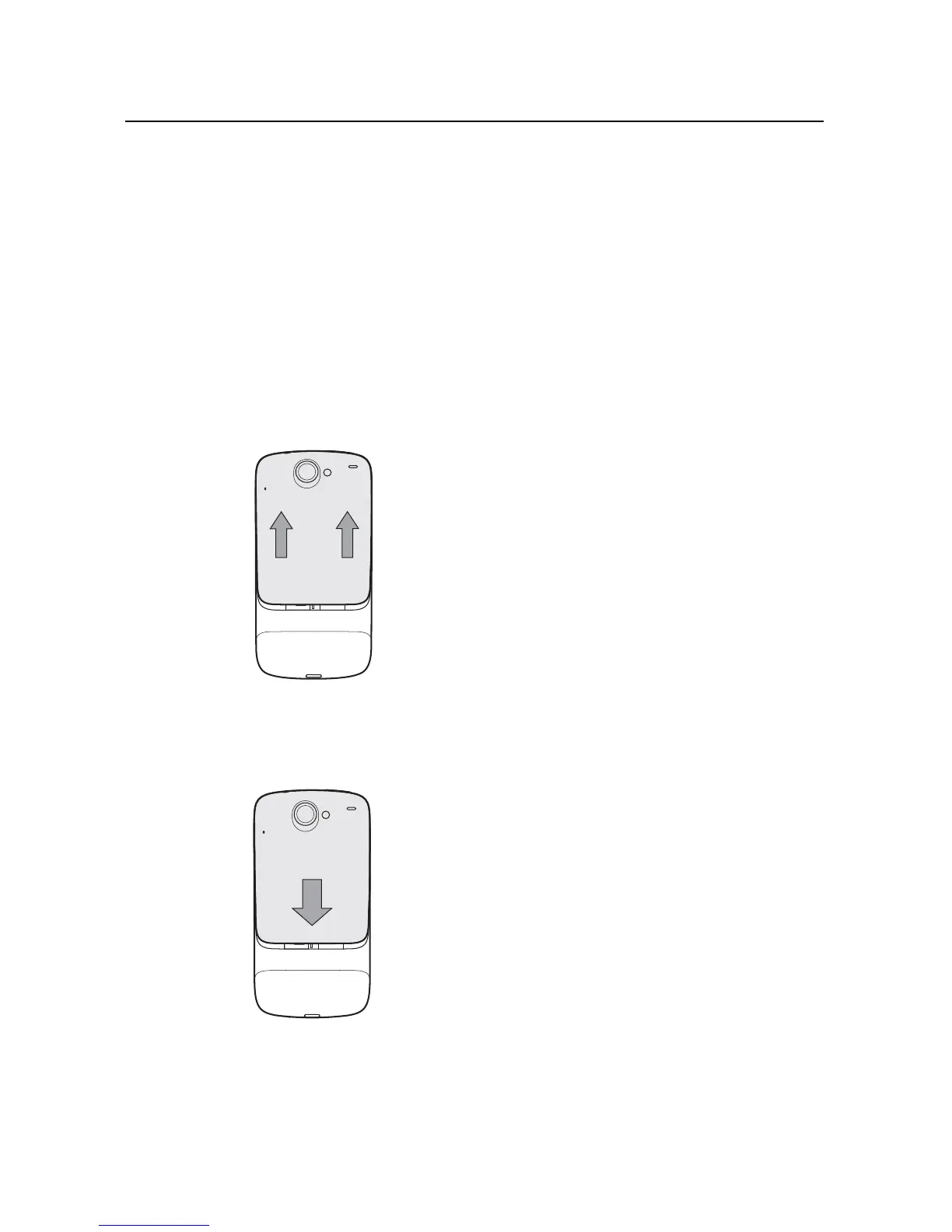
To open the phone’s back cover
S Firmly press your thumbs on either side of the back cover, just below the camera
lens, and push the cover up to remove it.
To replace the phone’s back cover
S Place the cover on the back of the phone and push it down into place.



 To Next Page