Your phone and accessories 17
NOUG-2.1.0-100 Nexus One User’s Guide
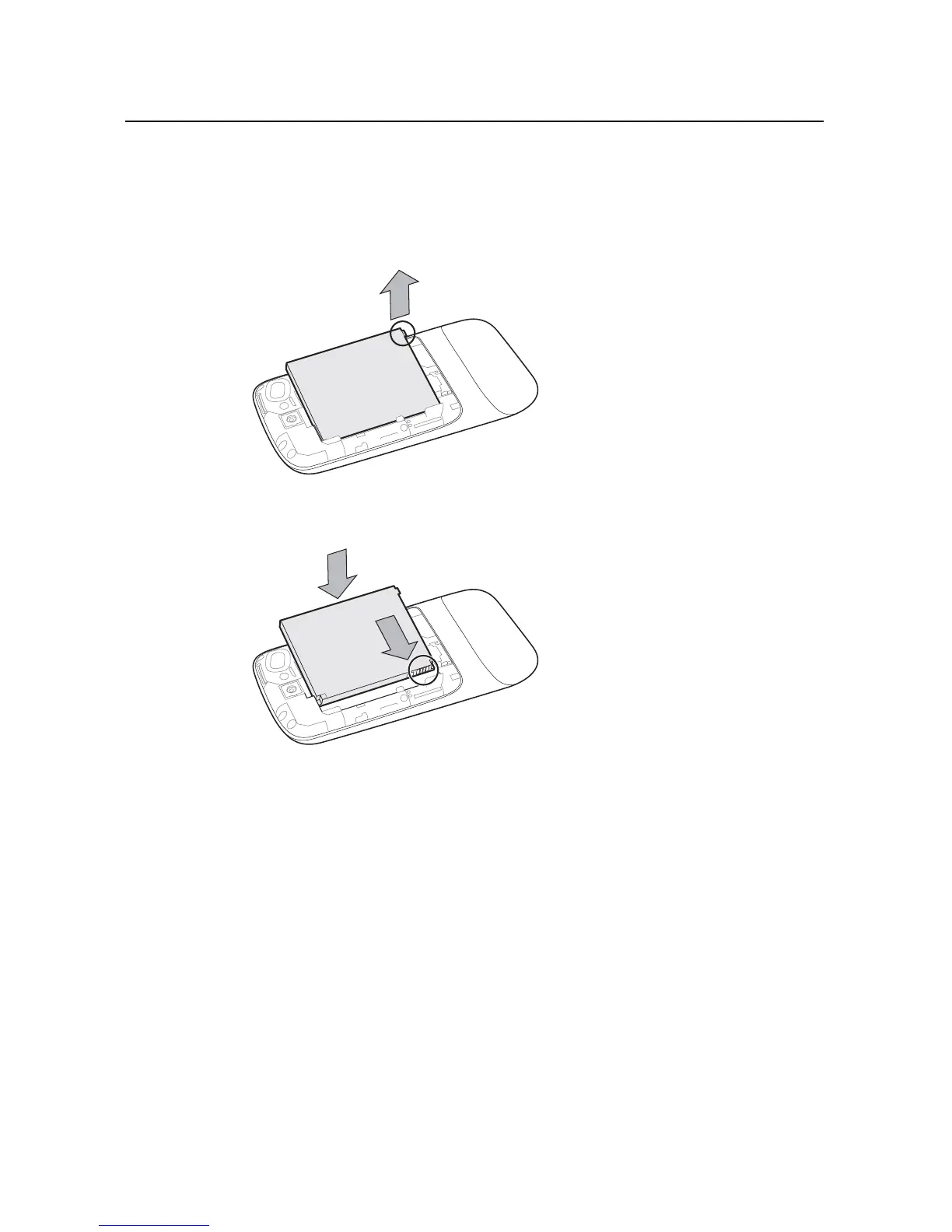
To remove or insert the battery
You must open the phone’s back cover to remove or insert the battery.
S Lift out the battery by slipping your finger under the small corner tab.
S Slide the battery into place by aligning the gold contacts on the phone and the
battery and then gently pressing the battery into place.



 To Next Page