Your phone and accessories 22
NOUG-2.1.0-100 Nexus One User’s Guide
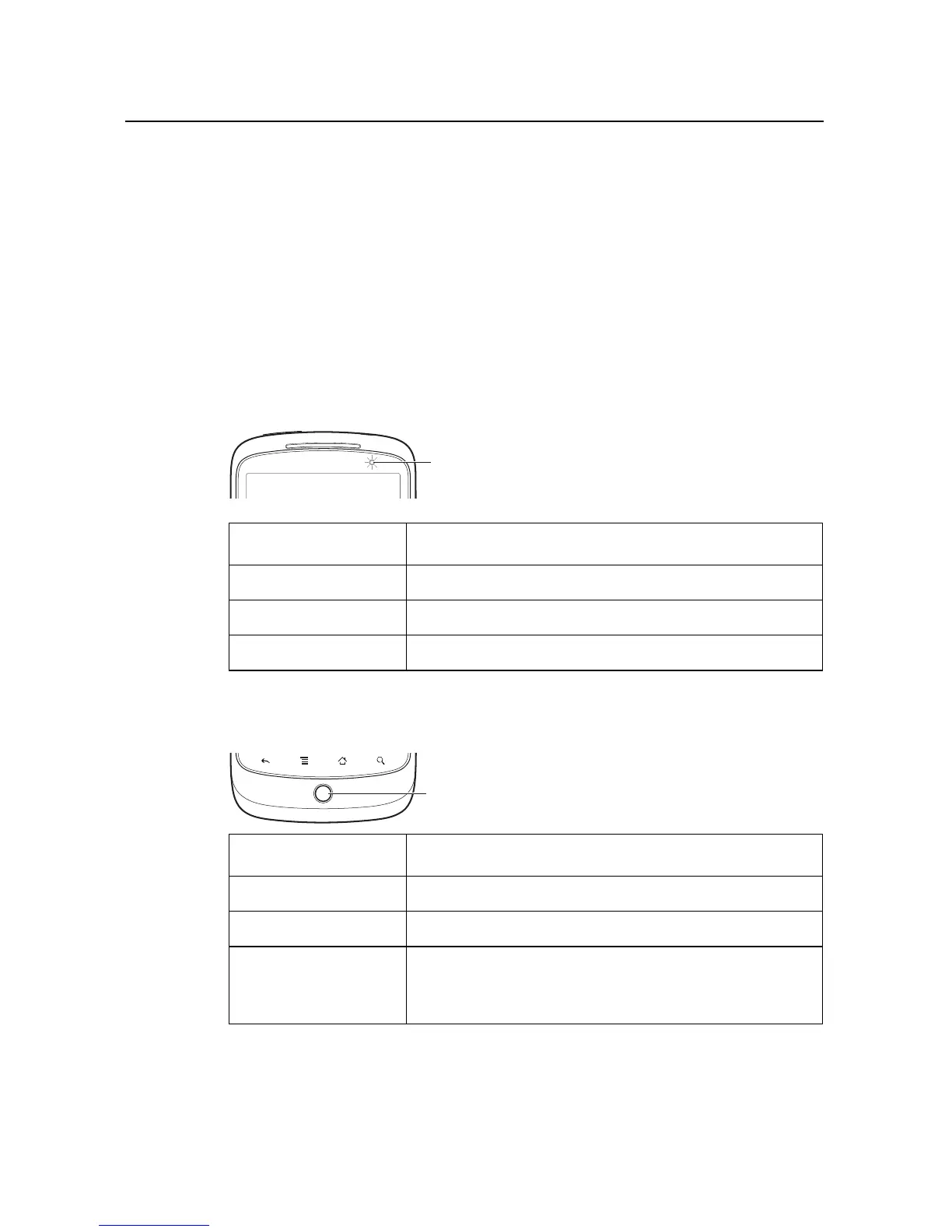
Monitoring the status and trackball lights
The status light (to the right of the earpiece) and the Trackball change colors, flash,
or glow briefly to inform you of the charging status of the phone and other important
information.
The status bar at the top of the touchscreen also provides information about the
phone, as described in “Monitoring your phone’s status” on page 48 and “Managing
notifications” on page 50.
Status light
Trackball
Status light state Meaning
Green Fully charged (when connected to charger)
Amber Charging (when connected to charger)
Flashing red Battery low
Trackball state Meaning
Flashing white Incoming call.
Flashing blue Incoming call when connected to a Bluetooth headset.
White pulse Notification received. You can configure the trackball to
pulse once or repeatedly when you receive a new notifi-
cation. See “Sound & display settings” on page 300.
Status
light



 To Next Page