Gmail 132
NOUG-2.1.0-100 Nexus One User’s Guide
Appending a signature to your messages
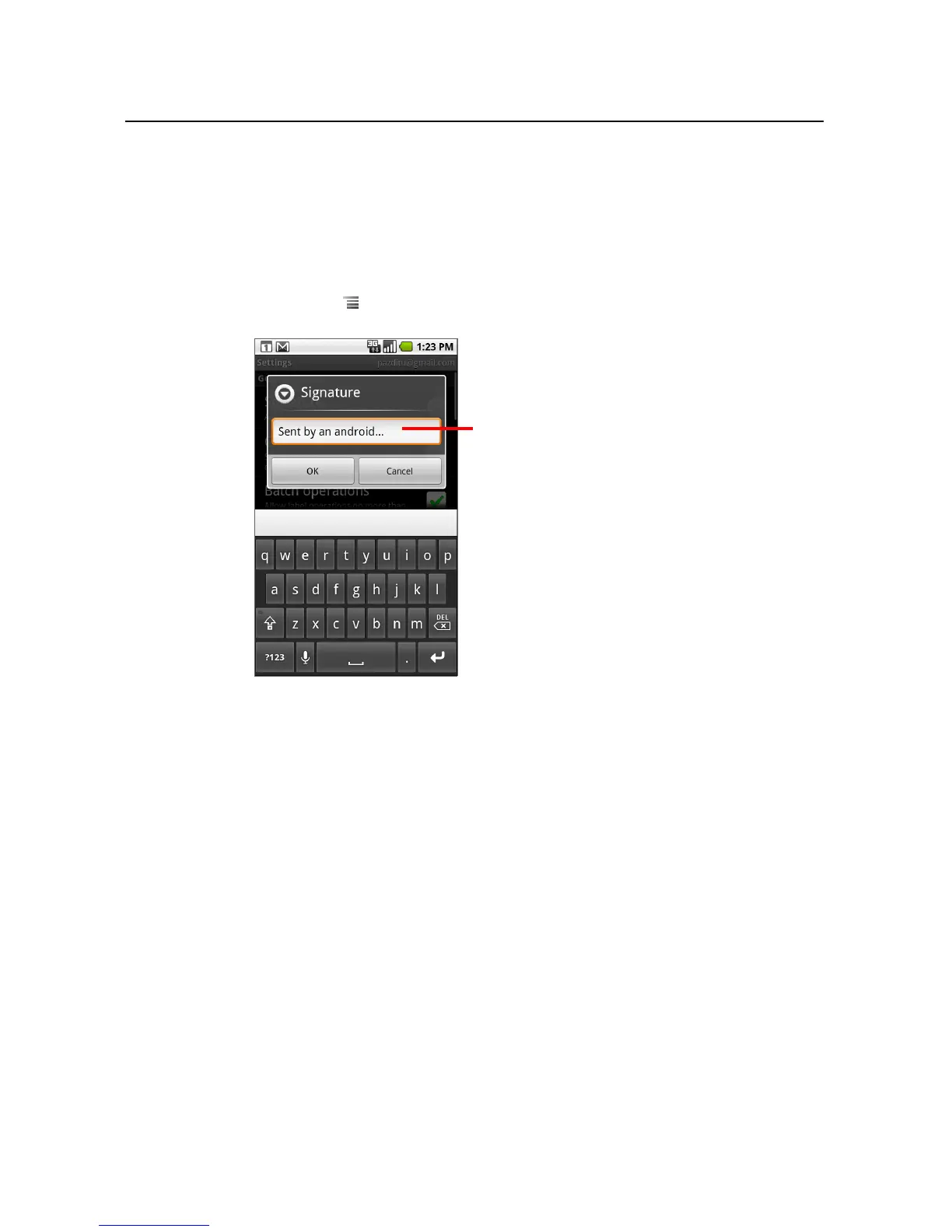
You can append one or a few lines of text to every message you send, such as your
name, contact information, or even “Sent by an android.”
1 Open your Inbox or another labeled list of conversations.
2 Press Menu and touch Settings > Signature.
3 Enter a signature or other information.
4 Touch OK.
Enter a signature to append to your
messages; then touch OK.



 To Next Page