Calendar 138
NOUG-2.1.0-100 Nexus One User’s Guide
Working in Agenda view
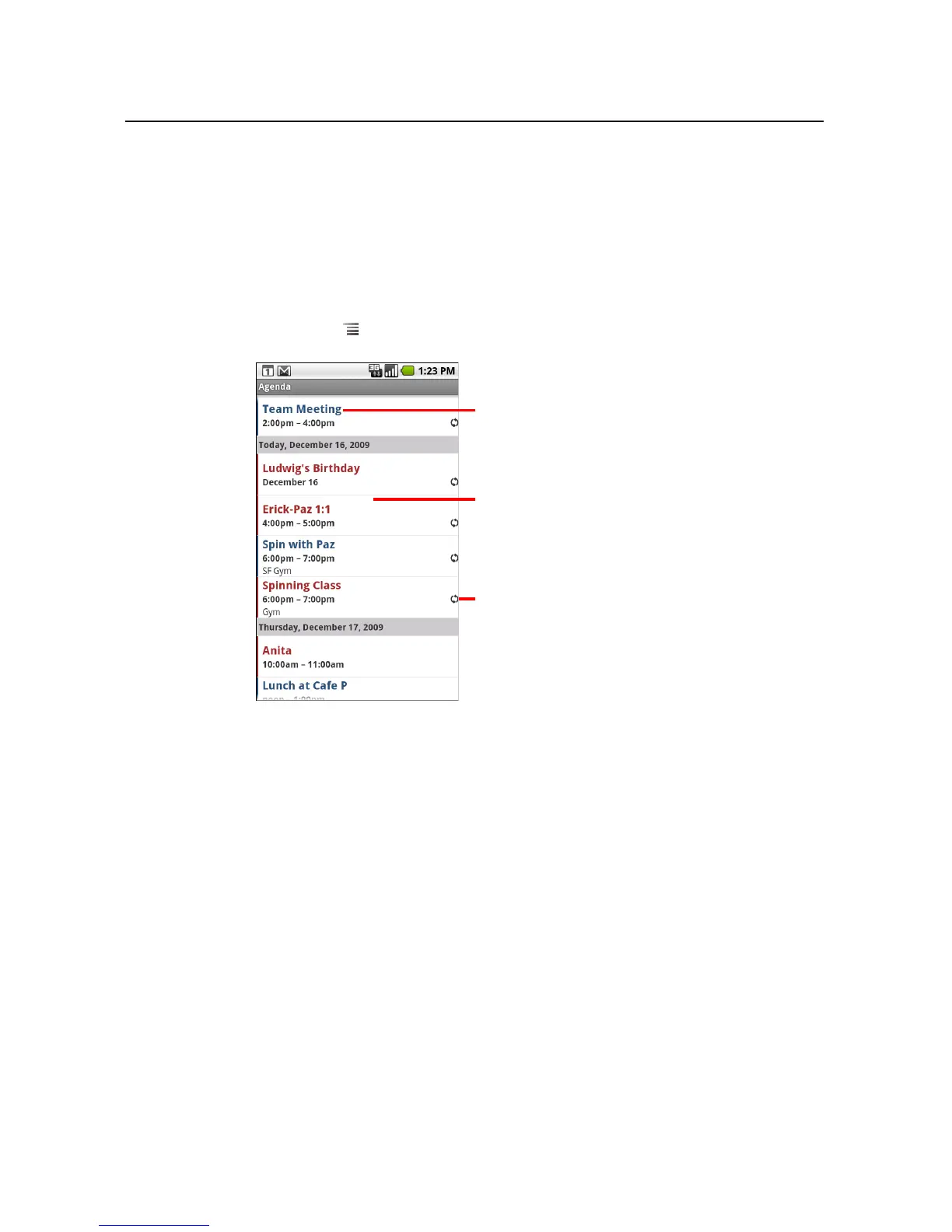
Agenda view is a list of your events in chronological order. All-day and multiday events
are listed at the start of each day.
To switch to Agenda view
S Press Menu and touch Agenda.
To learn more about events in Agenda view
S Touch an event.
A screen with details about the event opens. See “Viewing event details” on
page 142.
Touch an event to view its details.
This event repeats.
Drag up or down to view earlier or later
events.



 To Next Page