Android basics 31
NOUG-2.1.0-100 Nexus One User’s Guide
To wake up the phone
If you don’t use the phone for a while, the Home screen or other screen you are
viewing, is replaced with the lock screen and then the screen darkens, to conserve the
battery.
1 Press the Power button.
If you’ve locked your screen with a pattern, you must draw the unlock pattern to
unlock it. See “Locking your screen” on page 55.
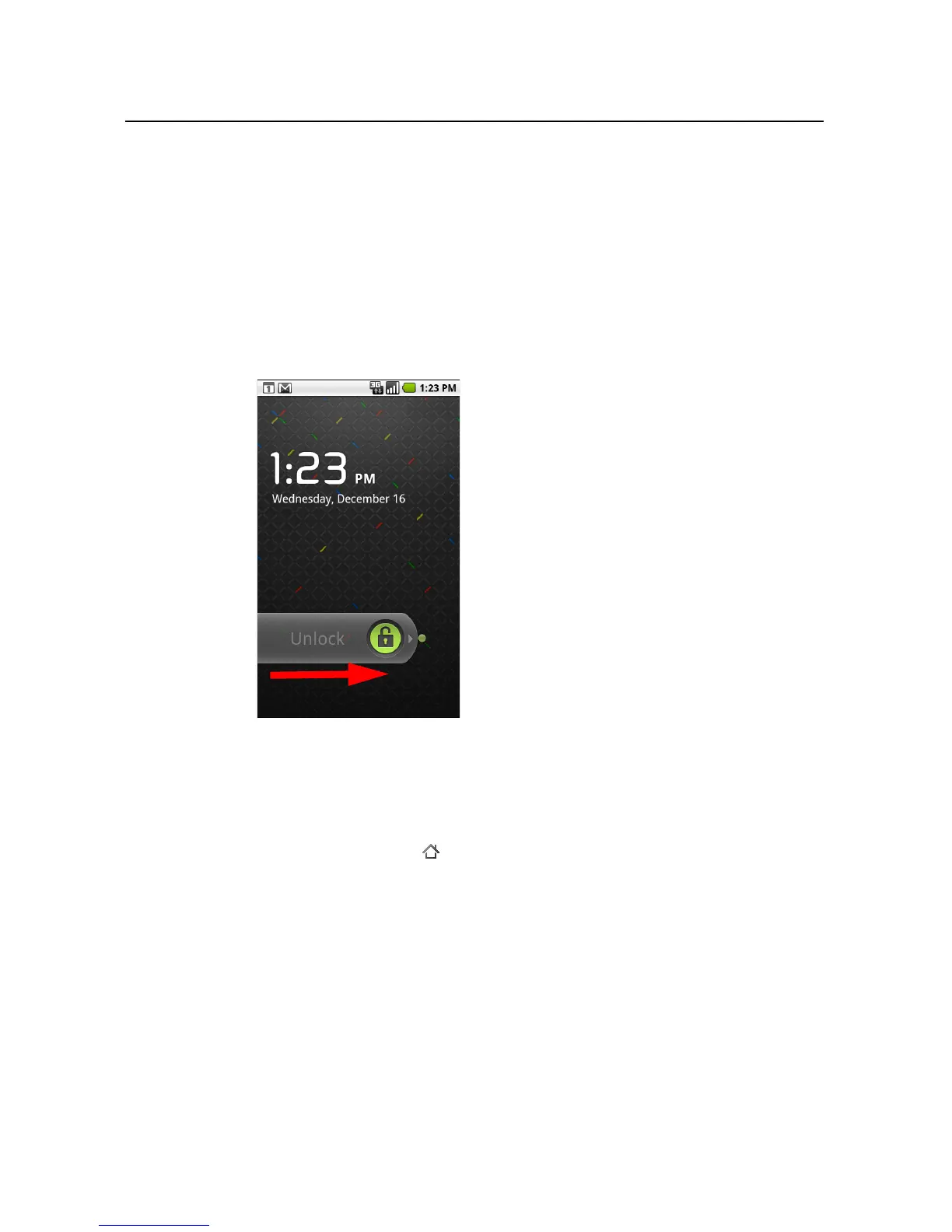
If you haven’t locked your screen with a pattern, the lock screen appears.
2 Drag the lock icon to the right.
The last screen you were working on opens.
To return to the Home screen
S Press the Home button at any time, in any application.



 To Next Page