Android basics 32
NOUG-2.1.0-100 Nexus One User’s Guide
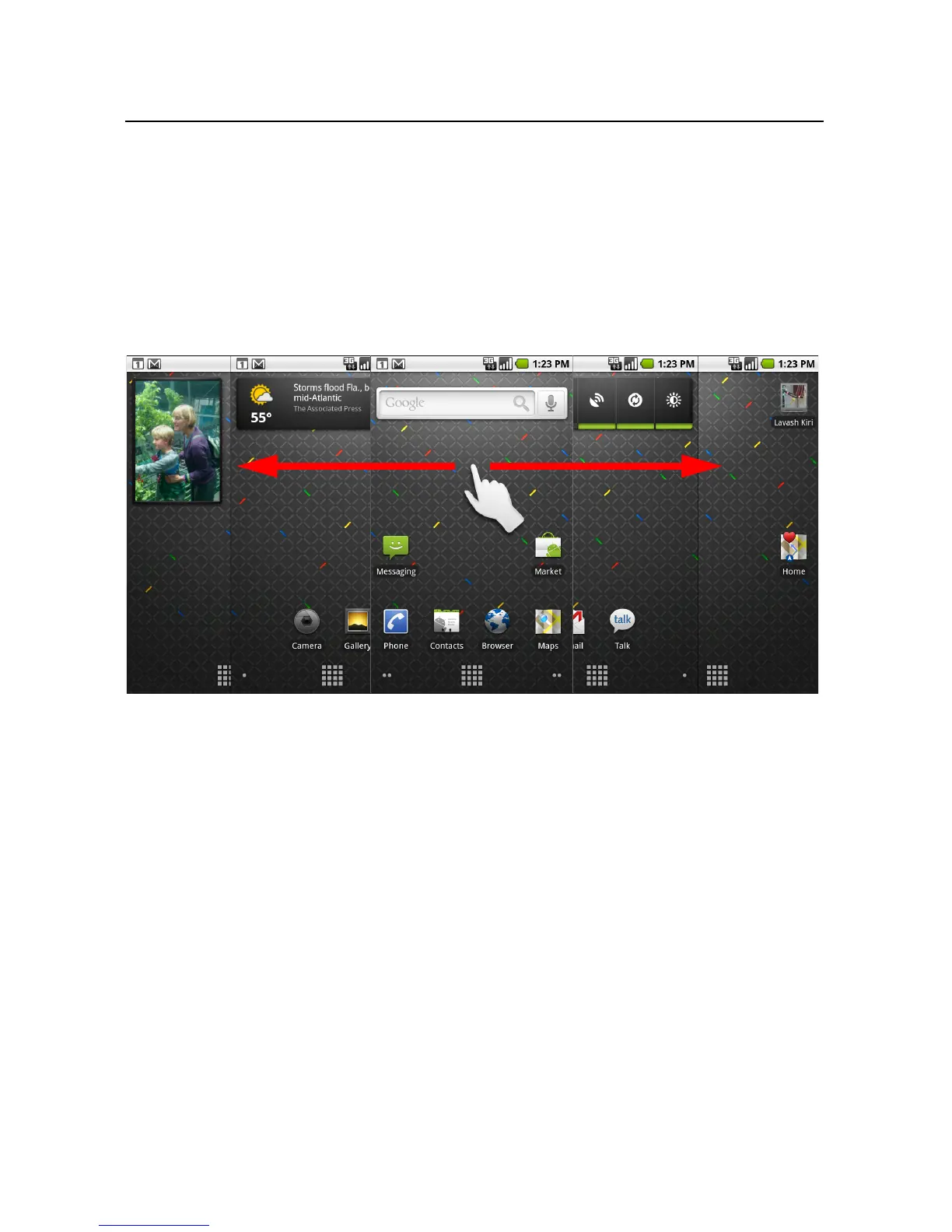
To view other parts of the Home screen
S Slide your finger left or right across the Home screen.
The two left and two right extensions to the Home screen provide more space for
icons, widgets, shortcuts, and other items. For more on sliding, see “Using the
touchscreen” on page 34.
Small dots at the lower left and right of the screen indicate which screen you’re
viewing.



 To Next Page