Browser 200
NOUG-2.1.0-100 Nexus One User’s Guide
To find text on a webpage
1 Press Menu and then touch More > Find on page.
2 Enter the text you’re looking for.
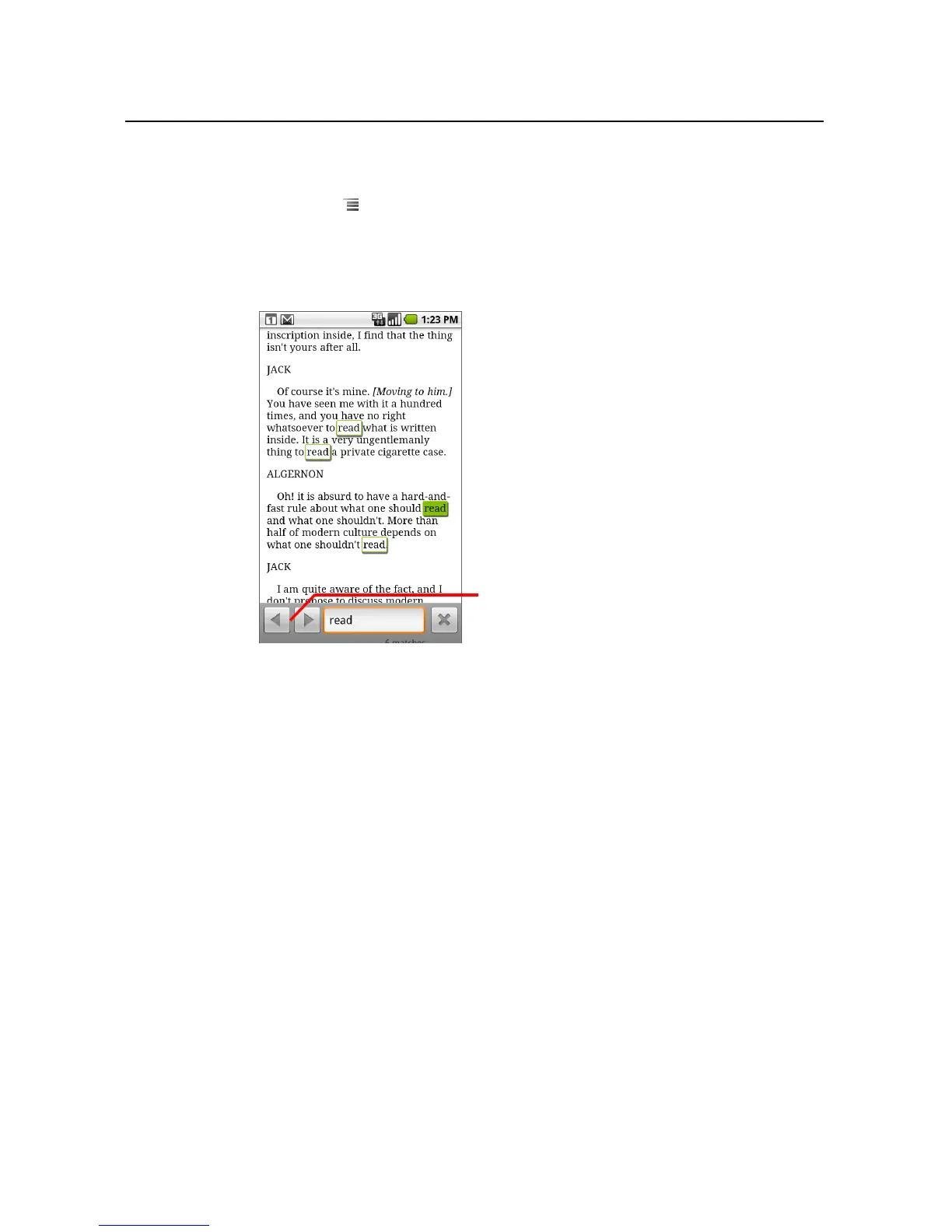
As you type, the first word with matching characters is highlighted on the screen,
and subsequent matches are boxed.
3 Touch the left or right arrow to scroll to and highlight the previous or next
matching word.
Touch to jump to the previous or next
matching word.



 To Next Page