News & Weather 267
NOUG-2.1.0-100 Nexus One User’s Guide
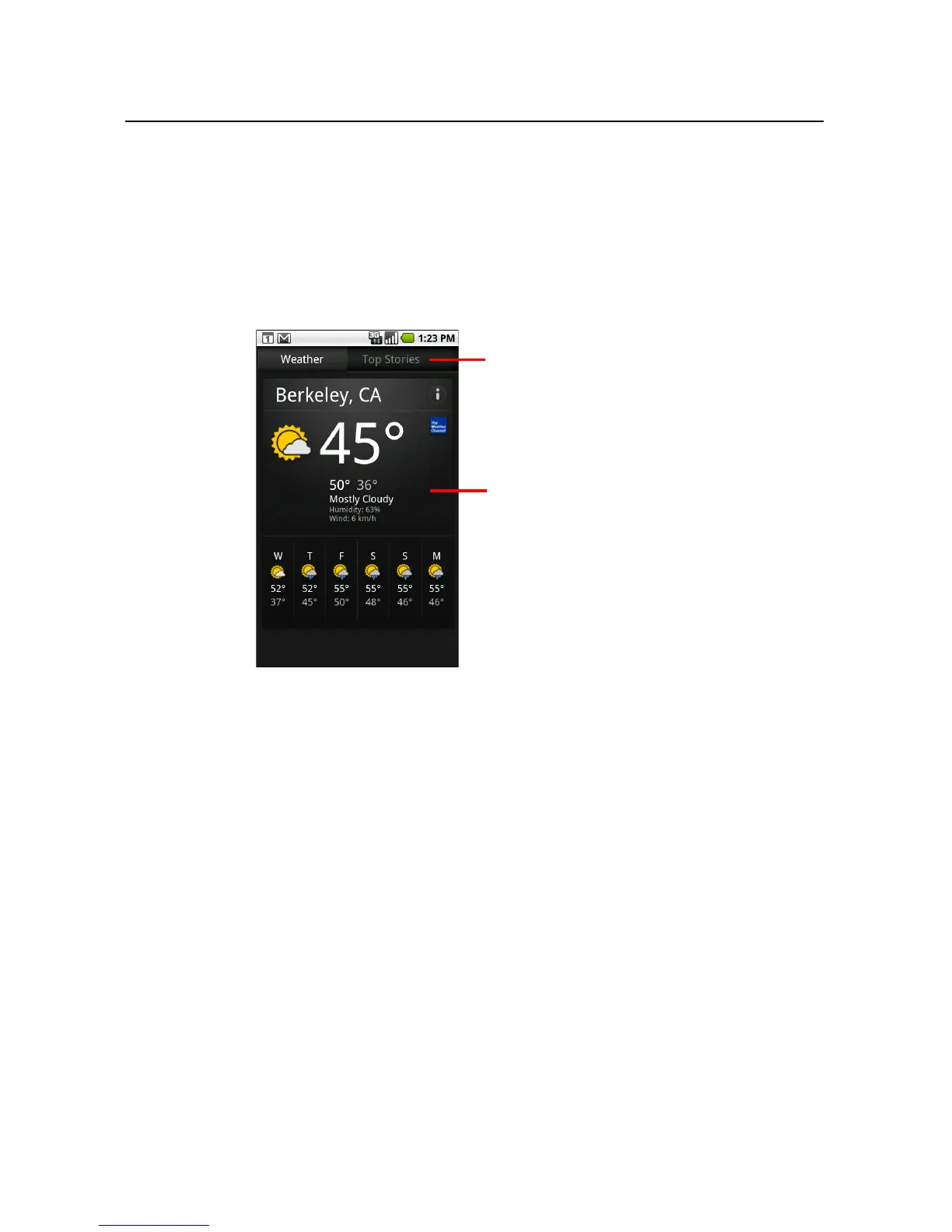
To get details about the news and weather
When you open News & Weather, you view a summary of the weather or a category of
headlines.
S Touch a tab in the scrolling list of tabs at the top of the screen to view the weather
or top stories by category. Or just swipe left or right across the screen to switch
news categories.
S Touch the weather summary for a more detailed forecast.
Scroll to touch the category of news
you’re interested in.
Touch the screen for details.



 To Next Page