Android basics 39
NOUG-2.1.0-100 Nexus One User’s Guide
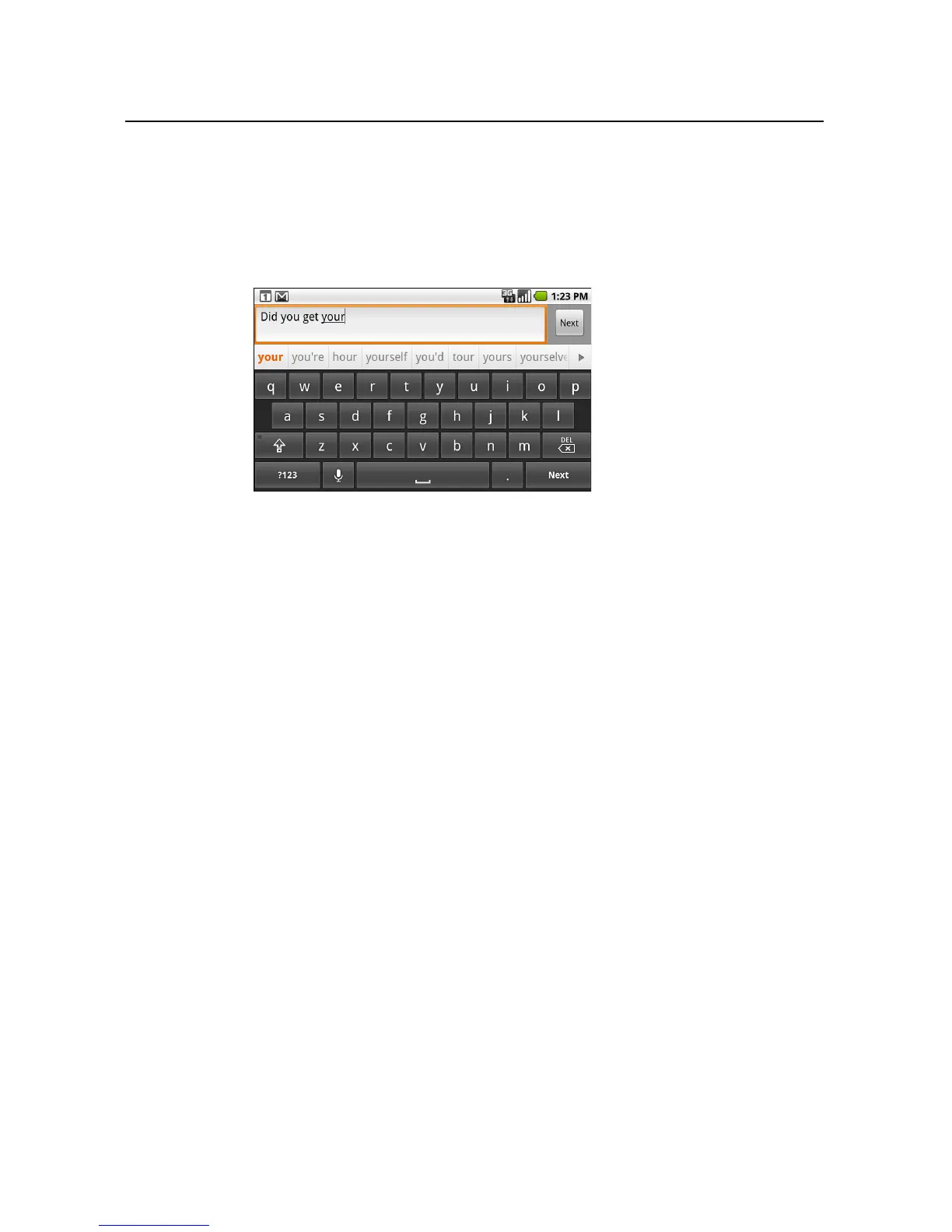
To change the keyboard orientation
S Turn the phone sideways or upright.
The keyboard is redrawn to take best advantage of the new phone orientation.
Many people find the larger horizontal onscreen keyboard easier to use.
You can control whether the screen changes orientation automatically when you
turn the phone. See “Language & keyboard settings” on page 310.



 To Next Page