8
Item Description
SIM
The SIM card is valid
The SIM card is invalid or
unavailable
WAN
The PPP dial access is
successful
The PPP dial access is failed
WCDMA network connected
No WCDMA network
WCDMA
Note:
If the gateway connects to other netwok mode, the
corresponding connection status is shown here.
SIG
The signal intensity from weak to intensive is shown as follows:
Use the Quick Setup Wizard
The Quick Setup Wizard guides you to the most important and basic configuration quick
and easy.
For your fist time use, the system will enter the quick setup wizard by default after Logging
in. You can configure the basic parameters quickly following the interface prompts. For
details, refer to “4 Quick Setup”.
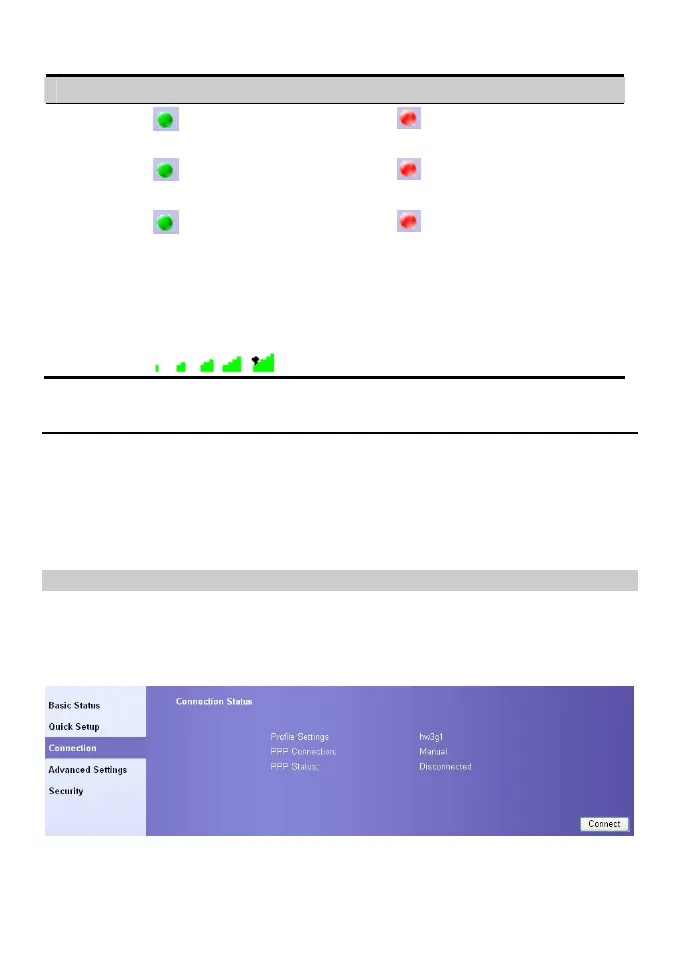
Connect to the Internet
Enter the connection interface
y Click Connection in the operation navigation area.
y After you login the management console over again, the connection interface displays
automatically.
Connect to the Internet
1. If the PIN code protection is enabled, you are prompted to enter the PIN code. for
details, refer to “Verify the PIN Code”.









 To Next Page