26
9 UMTS Setting
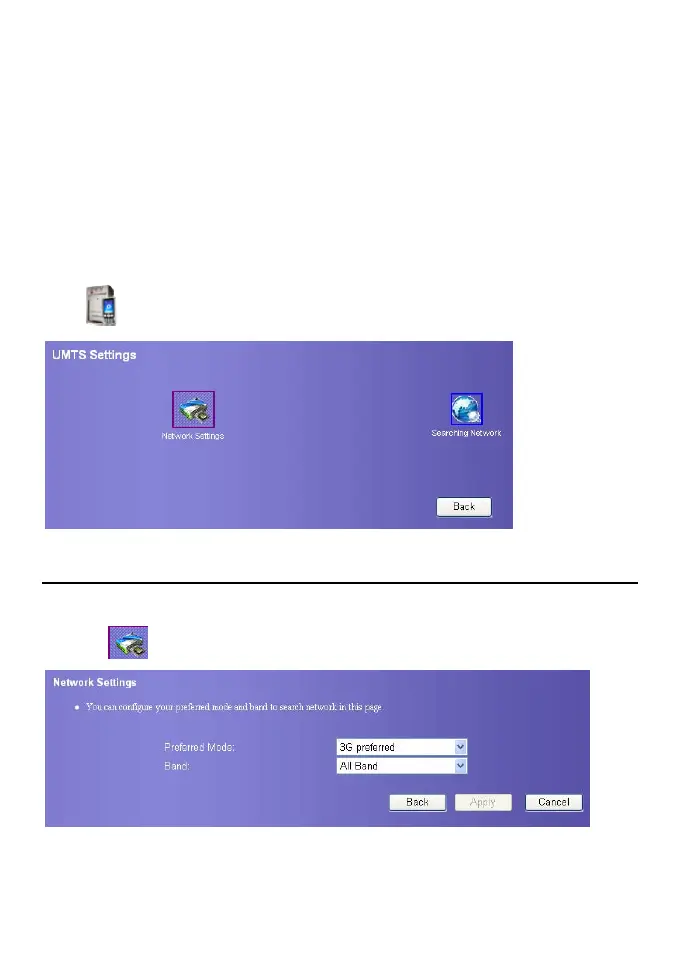
On the UMTS setting page, you can set the preference of connection modes and bands in
searching a network.
Click
. The UMTS setting page displays as following figure.
Choose Preferred Mode and Band
You can set the preference of connection modes and bands in searching a network.
1. Click
, enter the Network Settings page.
2. Select the preference of connection mode in the Preferred Mode list box. The
following table lists the details of connection modes.









 To Next Page