19
6 Introduce Advanced Setting
In the Advance Settings interface, you can not only configure the basic attributes of the
gateway, but also configure the other more advanced parameters and perform the daily
maintenance and management to the gateway.
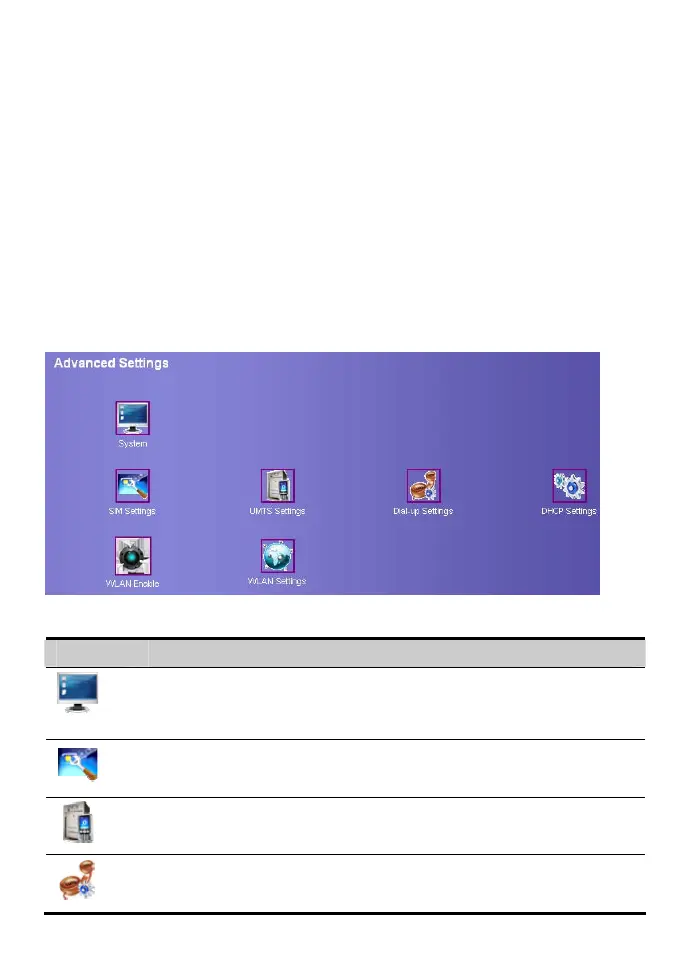
In the operation navigation area, click Advanced Settings to enter the page as following
figure.
The following table shows shortcut icons.
Icon Description
Open the system management interface to modify password, upgrade
software, restore factory default, restart device, and view the version
information.
Open the SIM setting interface to manage the PIN code operation.
Open the UMTS setting interface to configure the network mode and
channel.
Open the dial-up setting interface to configure PPP dial-up property and
manage the Profile list.









 To Next Page