23
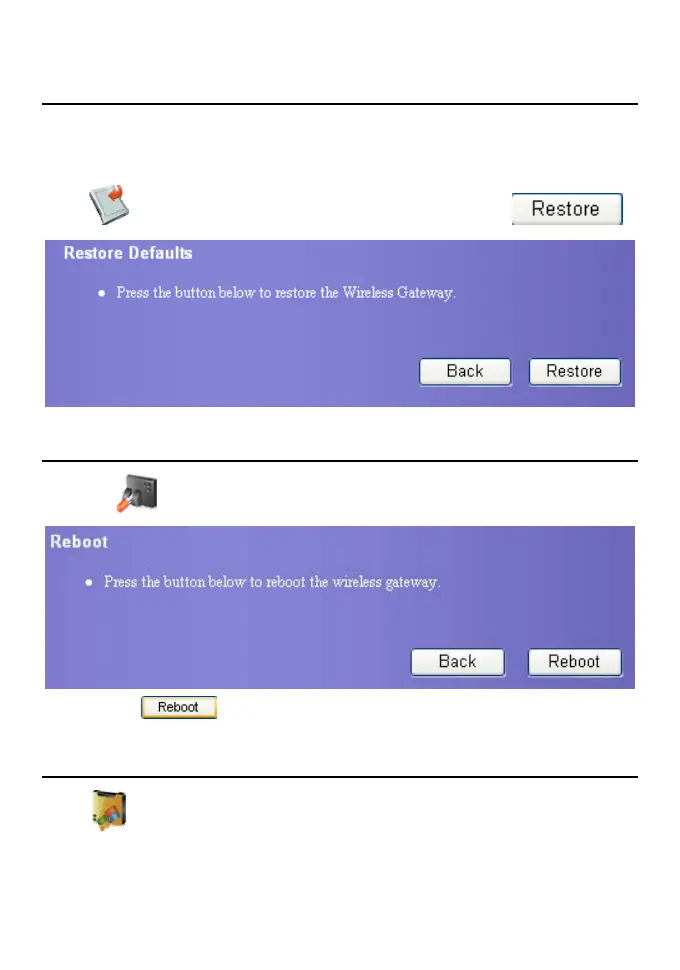
Restore Defaults
After the device is reset to factory defaults, you need to re-configure the gateway before
accessing the network. If you need rebuild LAN or forget any parameters you can use this
function.
Click
to open the restoring factory defaults page, and then click .
Reboot the Device
1. Click . The reboot page is displayed.
2. Click the
button, and you can reboot the gateway.
View the Version Information
Click to display the version information page. You can view hardware version,
software version, release time, boot loader version.









 To Next Page