37
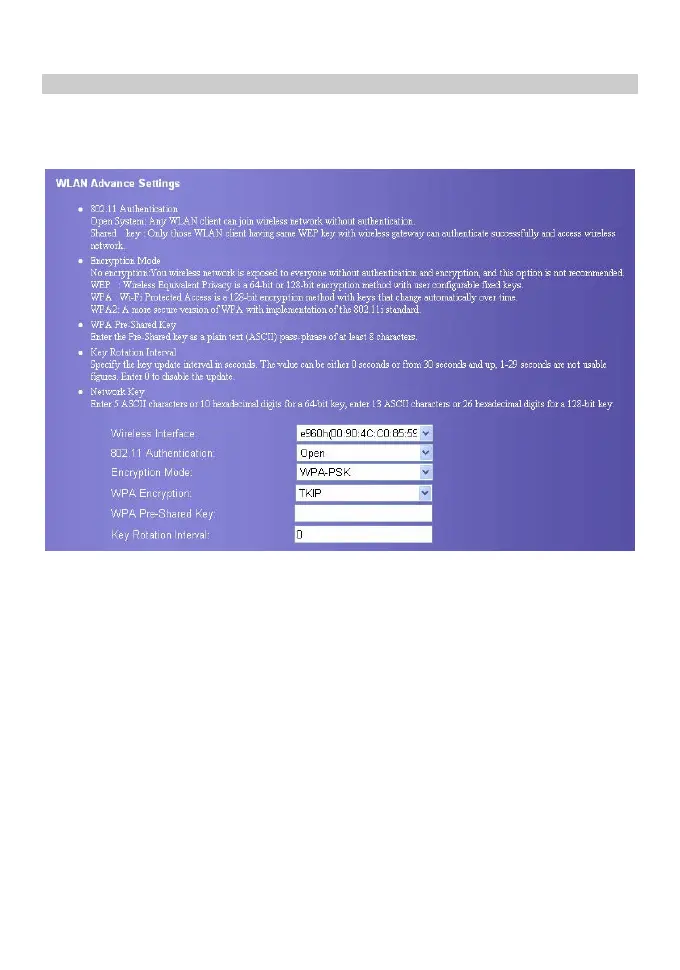
Configure Security Encryption
You can set a security key for your wireless network to prevent your wireless LAN from
data attack. To access the wireless network, you must set the wireless security key of your
PC consistent with the security key of the wireless gateway.
802.11Authentication Mode
y Open: Open system authentication. The user accessing the WLAN can use WEP,
WPA-PSK, WPA2-PSK to authenticate, or choose to non-authenticate.
y Shared: Shared key authentication. It is used only for WEP authentication. The user
accessing the WLAN must use the WEP to authenticate.
Encryption Mode
There is three encryption mode: No Encryption, WPA-PSK、WPA2-PSK and WEP. For
details, refer to “Configure the Security encryption”.









 To Next Page