HUAWEI G6-U10 Smartphone FAQs
1.5 Home screen
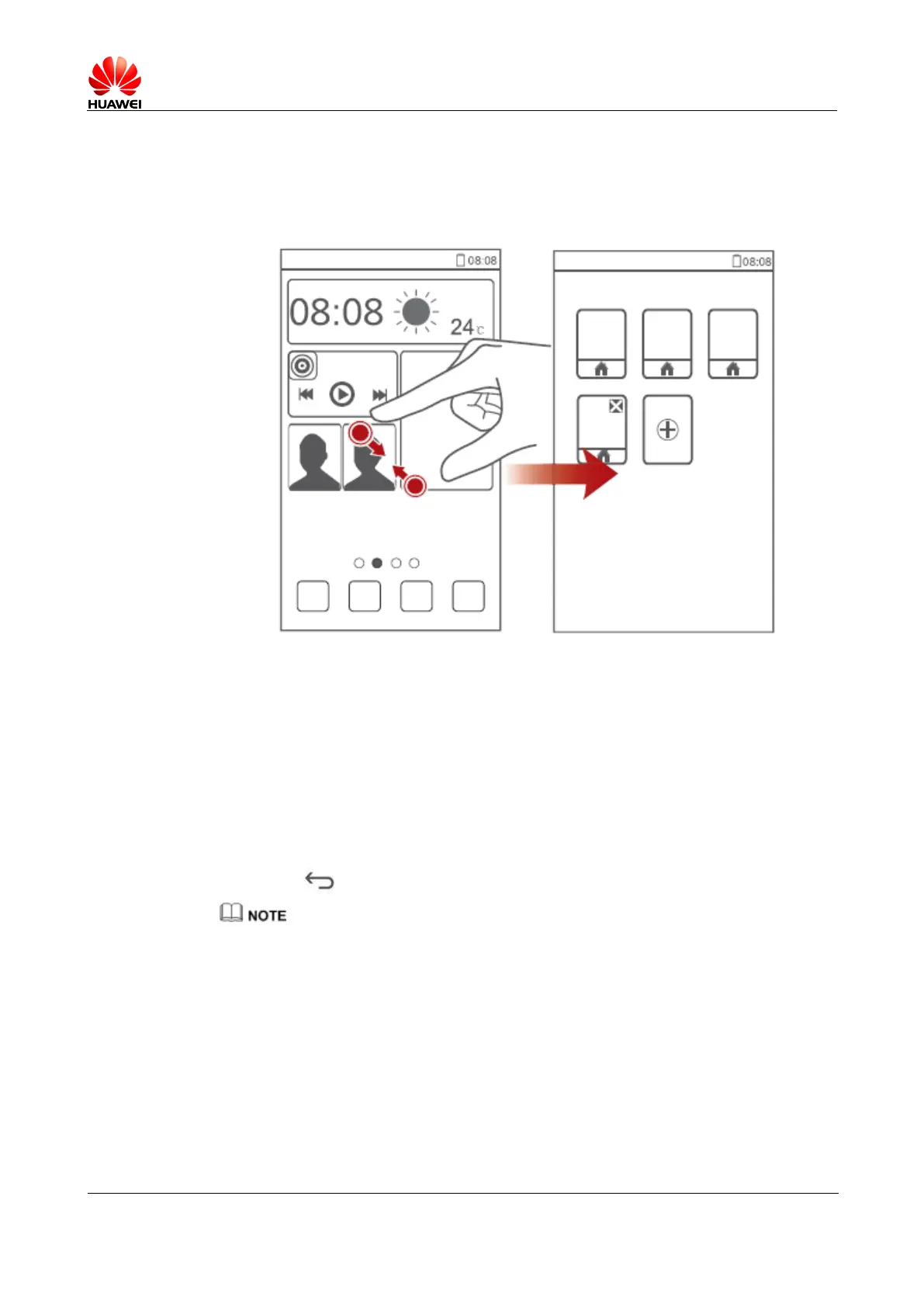
1.5.1 How do I quickly add or delete a home screen?
You can delete a home screen that does not contain application icons or widgets.
1.5.2 How do I add a widget to a home screen?
1. On a home screen, touch and hold a blank area. The Set home screen window is
displayed.
2. Touch Widgets.
3. Select a widget in the list and drag it to a desired home screen.
4. Touch to return to the home screen.
If the blank area in the home screen is insufficient to receive widgets, a new home screen is
automatically created on the right side of the home screen and the widgets will be placed in the new
home screen.



 To Next Page