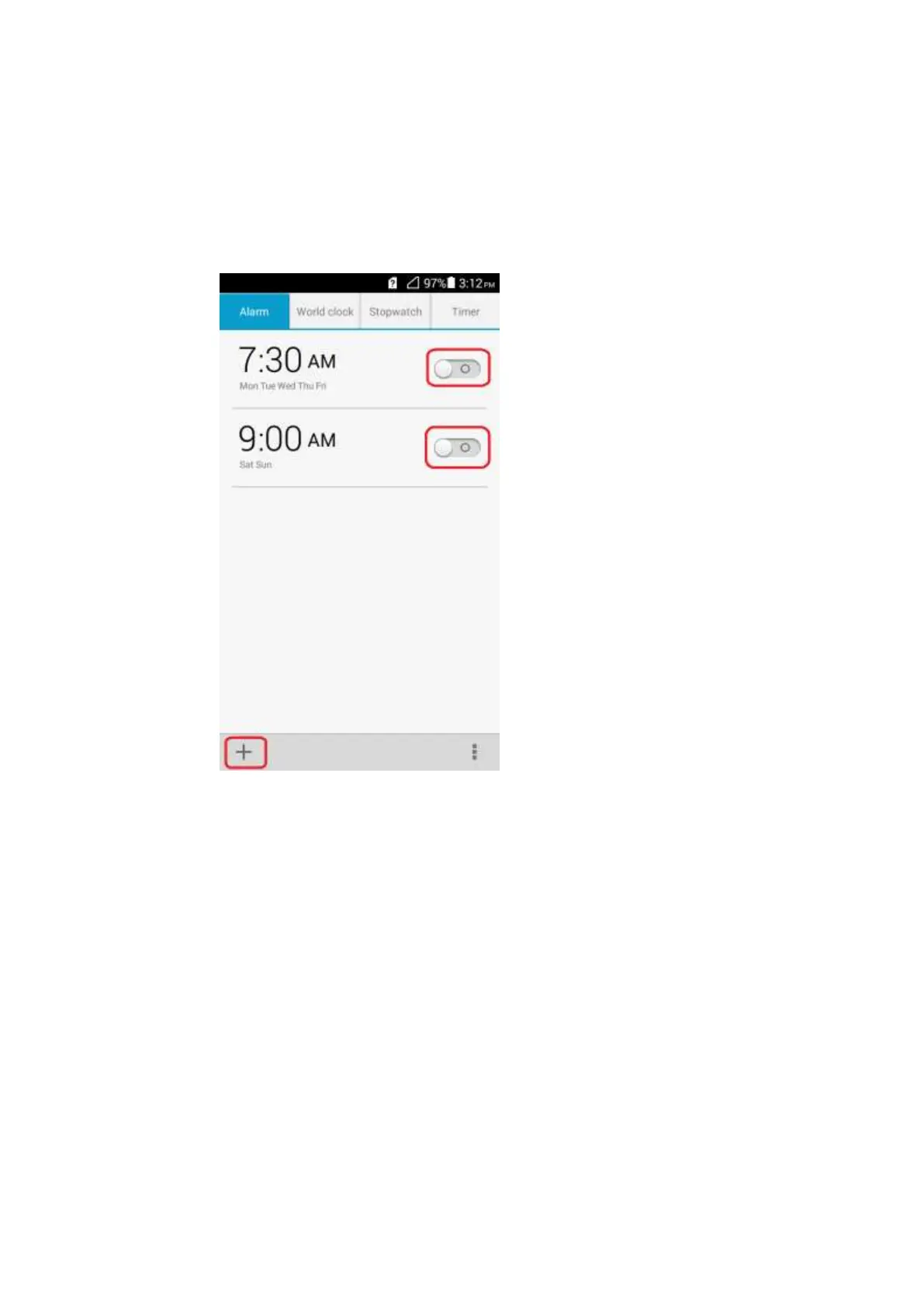
2.10 Alarm Clock
2.10.1 How do I add or delete an alarm?
On a home screen, touch Clock. From the alarm list, touch the switch to enable or disable an
alarm. You can create a new alarm by touching the add sign at the lower left corner.
2.10.2 Will the alarm go off when my phone is powered off?
No.
2.11 Application Programs
2.11.1 What application formats does my phone support? Can I
install JAVA applications?
All applications based on the Android OS can be installed on your phone other than Java
applications.



 To Next Page