2.23 How do I restore my phone to the factory setting?
1. Touch Settings > Backup & reset > Factory data reset.
2. Touch Reset phone > Reset phone.
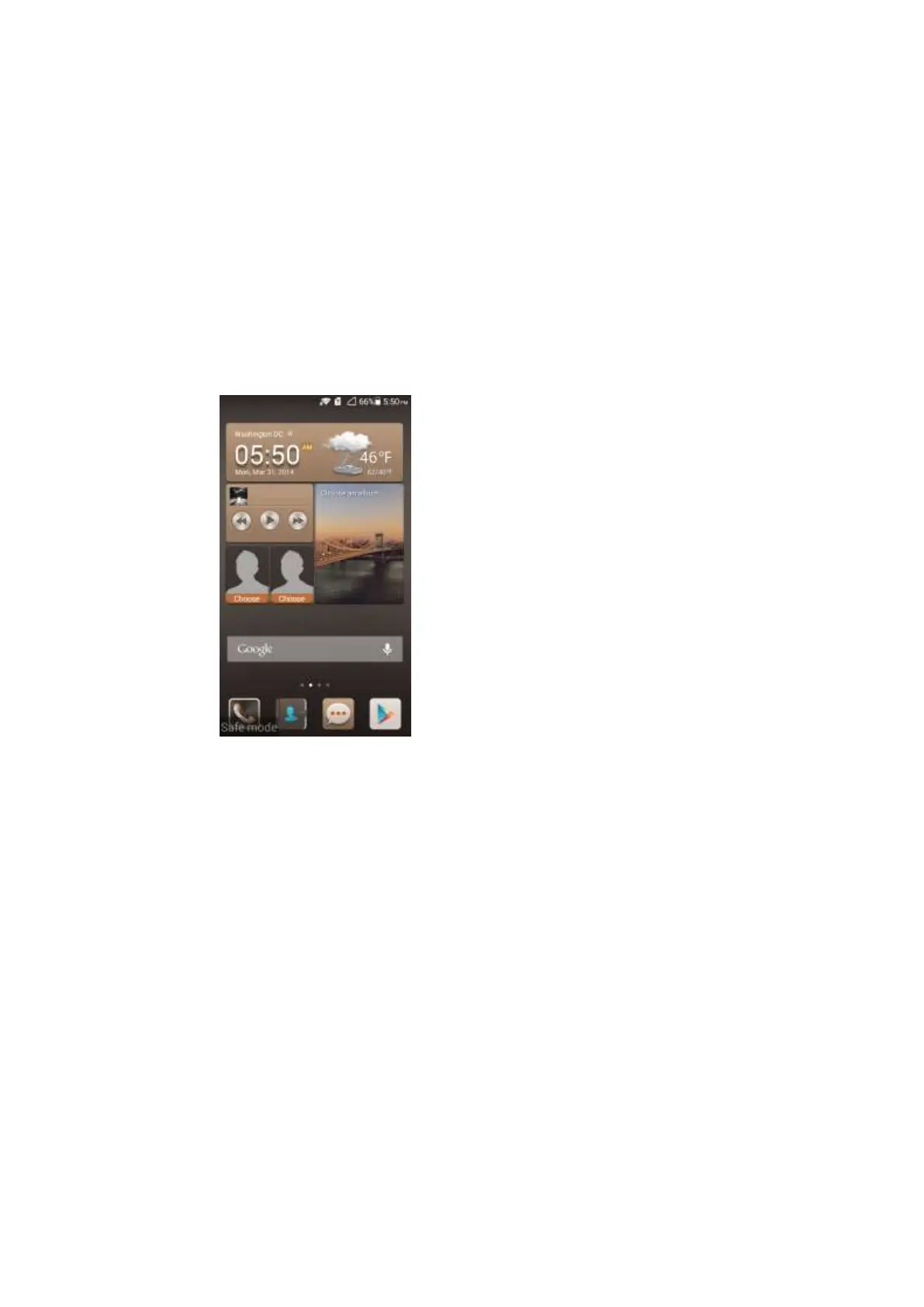
2.24 How do I enter and exit safe mode?
During the power-on of your phone, press and hold the Menu key on your phone. When Safe
mode is displayed at the bottom of your phone, your phone is in safe mode.
Restart your phone to exit safe mode.
2.25 How do I use the HiSuite function?
Your phone supports only parts of the Hisuite function. Hisuite applications are not
pre-installed on your phone. You must download the latest version from the Internet.
2.26 How do I use the HDMI?
Your phone does not provide HDMI.



 To Next Page