Restore
Touch Backup > Restore from SD card. Select the backup file and enter the password.
Select contacts and touch Restore.
2.13.2 Can I back up my contact groups?
No.
2.13.3 How do I use All Backup?
Data of phones sold outside China cannot be backed up to Huawei cloud.
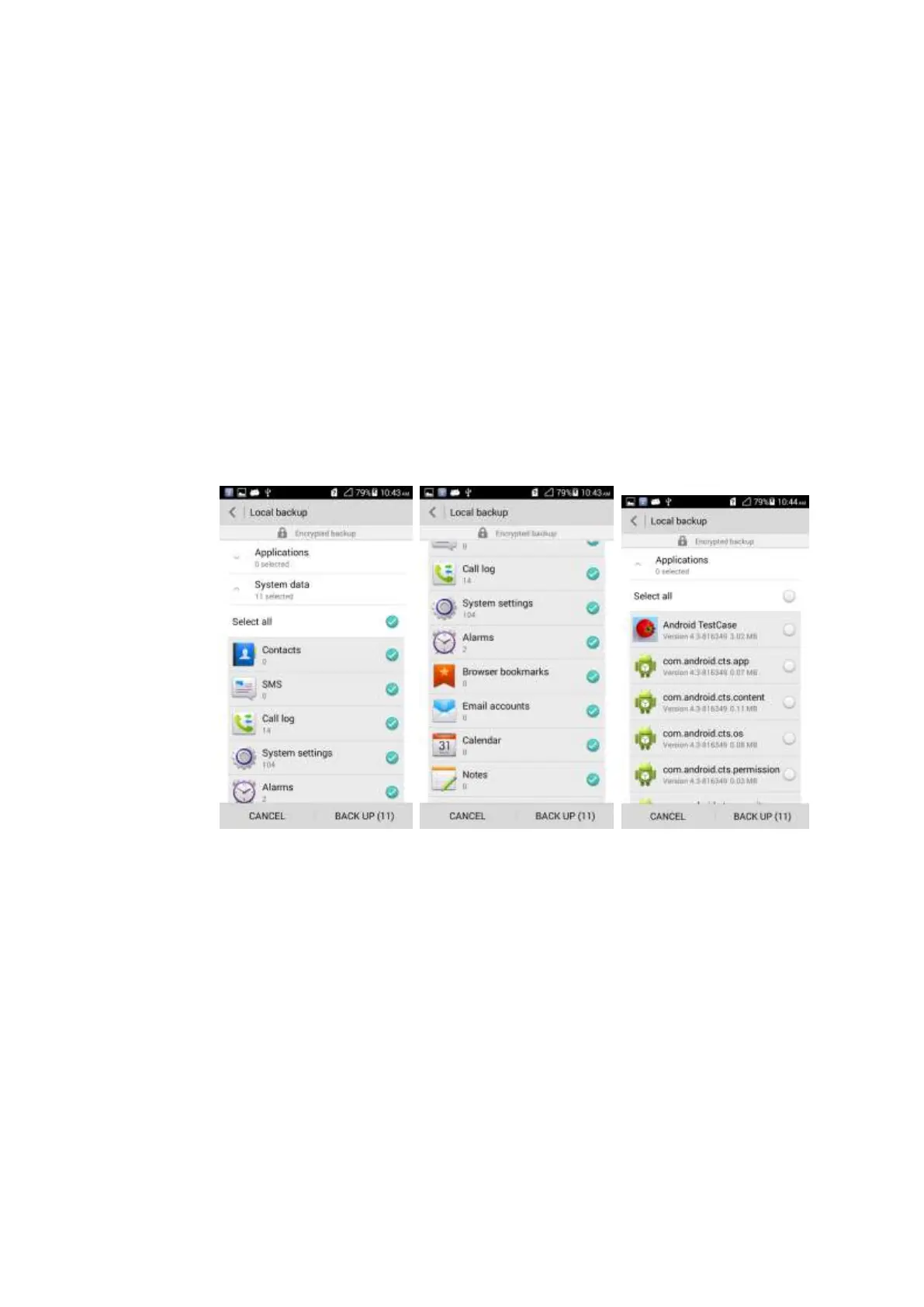
2.13.4 What data can be backed up on my phone?
The following data can be backed up: Contacts, SMS, Call log, System settings, Alarms,
Browser bookmarks, Email accounts, Calendar, Notes, Weather, Home, and Applications.
2.13.5 What data can be restored to my phone?
The following data can be restored: Contacts, SMS, Call log, System settings, Alarms,
Browser bookmarks, Email accounts, Calendar, Notes, Weather, Home, and Applications.



 To Next Page