HUAWEI G6-U10 Smartphone FAQs
Using Photos as Callee IDs
Photos cannot be used as callee IDs of UIM contacts.
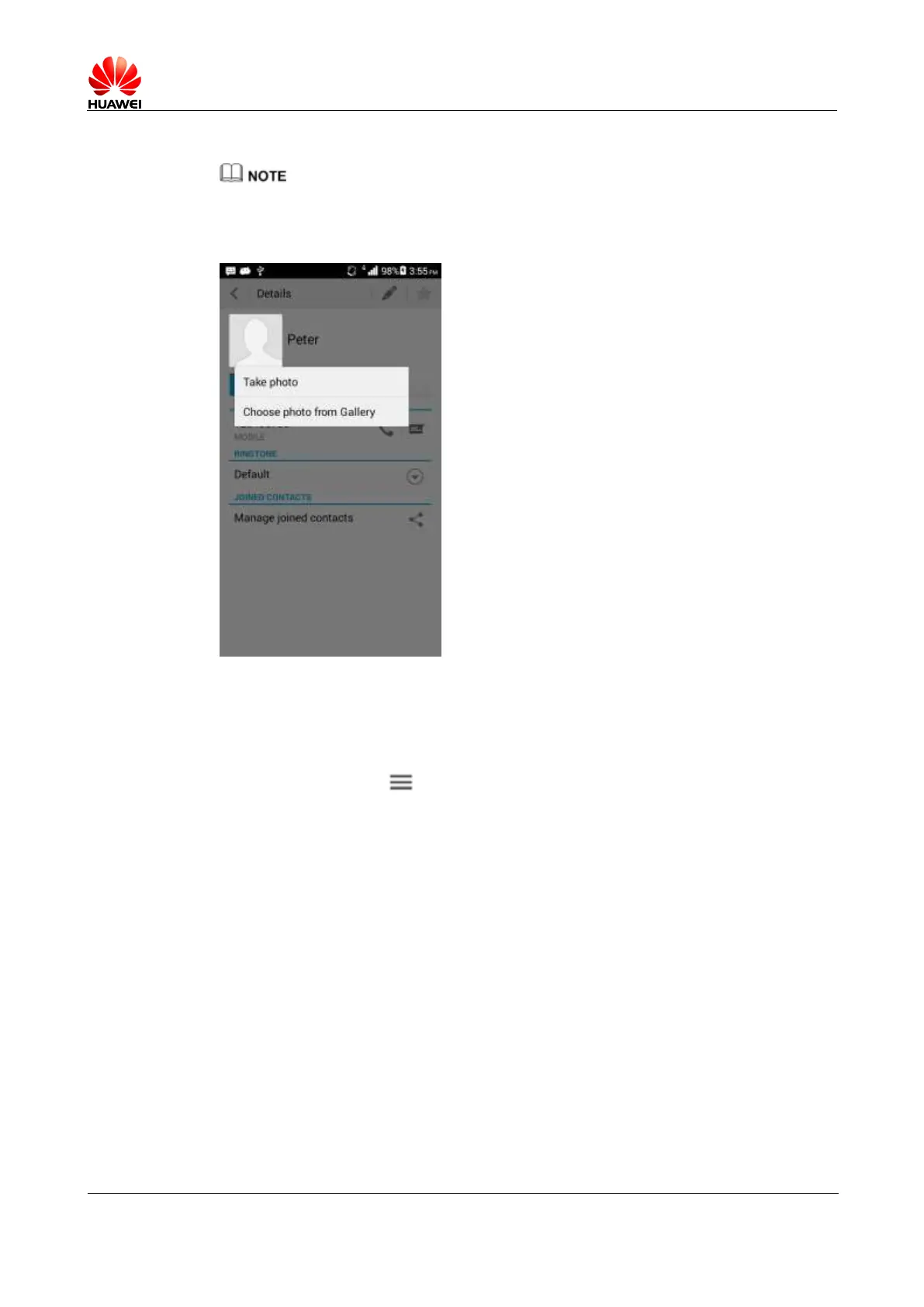
Touch People and choose a contact. On the Details screen, touch the contact image and
choose Take photo/Choose photo from Gallery.
1.6.2 How do I export and import contacts in a UIM card?
1. Importing contacts in a UIM card to your phone
− Touch People > > Manage contacts > Copy contacts > UIM. Select the
contacts you want to copy from the UIM card or touch All. Then touch COPY >
Phone.



 To Next Page