2.9 Screen Lock
2.9.1 How do I enable a screen lock that must be unlocked using a
PIN?
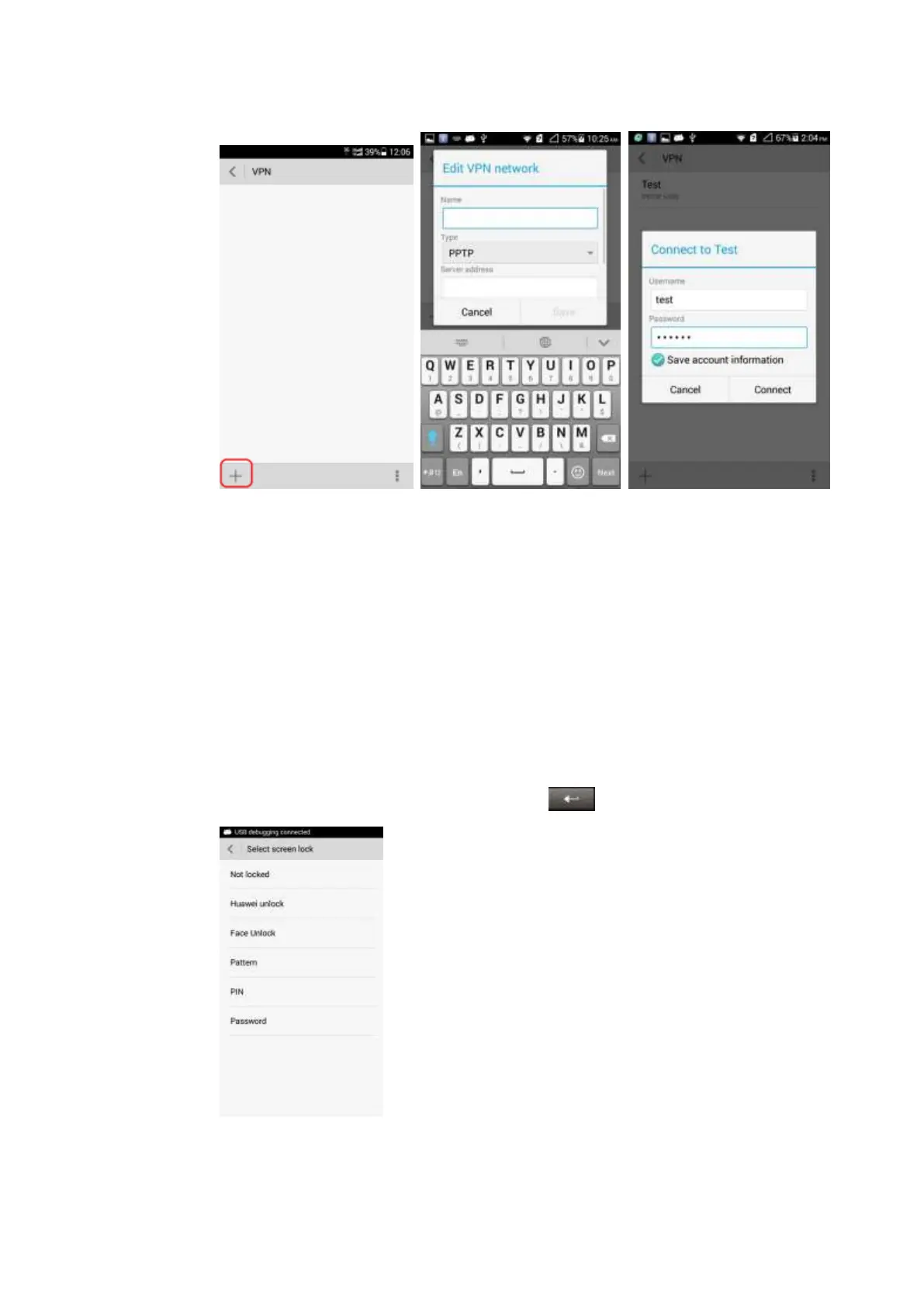
1. Touch Settings > Security > Select screen lock > PIN.
2. Input the PIN in the Input your PIN box.
3. Input the PIN again and touch OK.
When you power on the phone or press the power button to turn on the screen, the PIN lock
screen is displayed. Enter the PIN and then touch to unlock the screen.



 To Next Page