2.6.2 How do I set incoming call and message vibrations?
Touch Settings > Sound > Vibration.
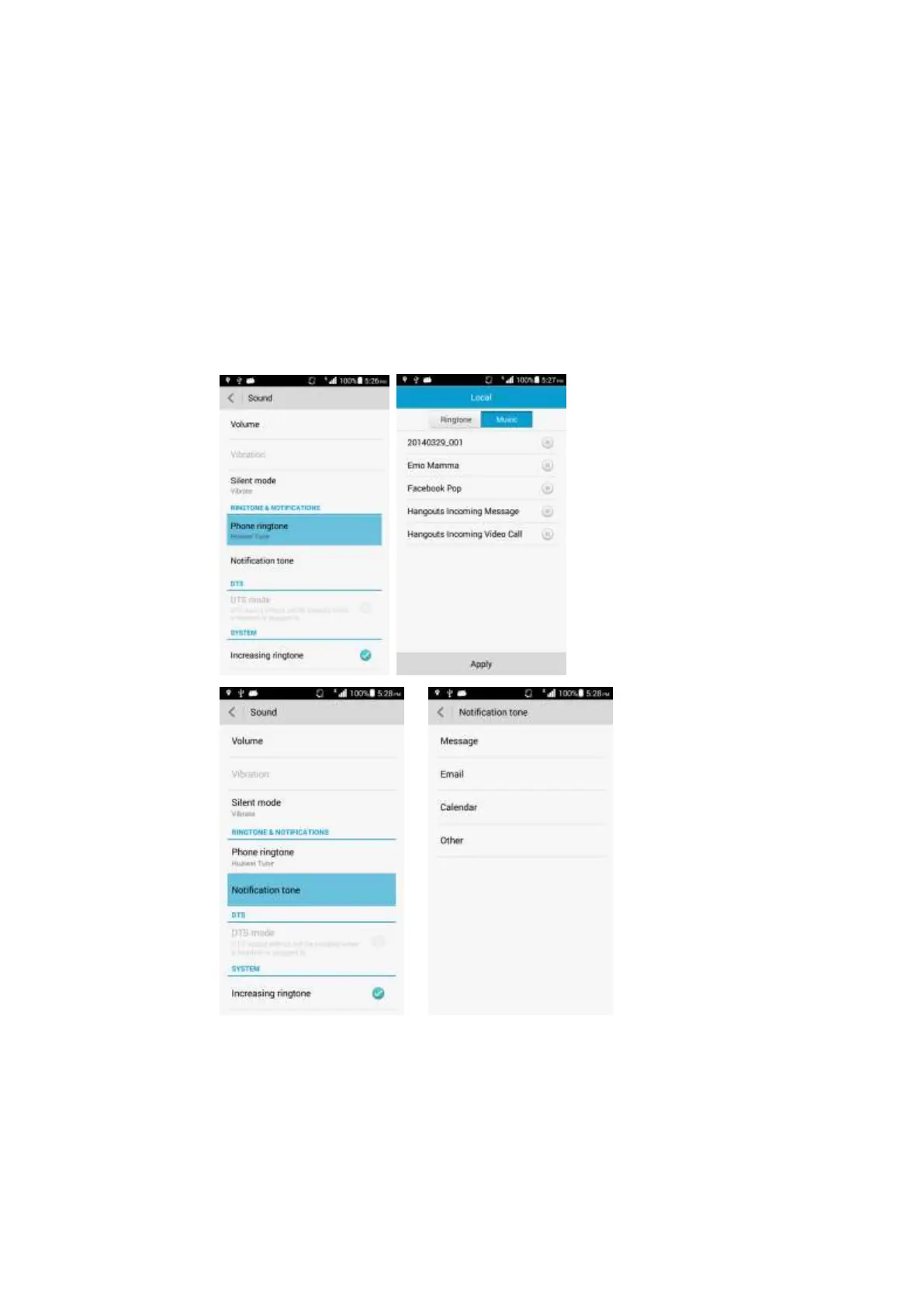
2.6.3 How do I set a song as a ringtone for incoming calls or new
messages?
Touch Settings > Sound > Phone ringtone > Music to change the ringtone for
incoming calls.
Touch Settings > Sound > Phone ringtone > Music to change the ringtone for new
messages.
Touch and hold the desired music file in File Manager, touch Set music as > Phone
ringtone/Notification ringtone.



 To Next Page