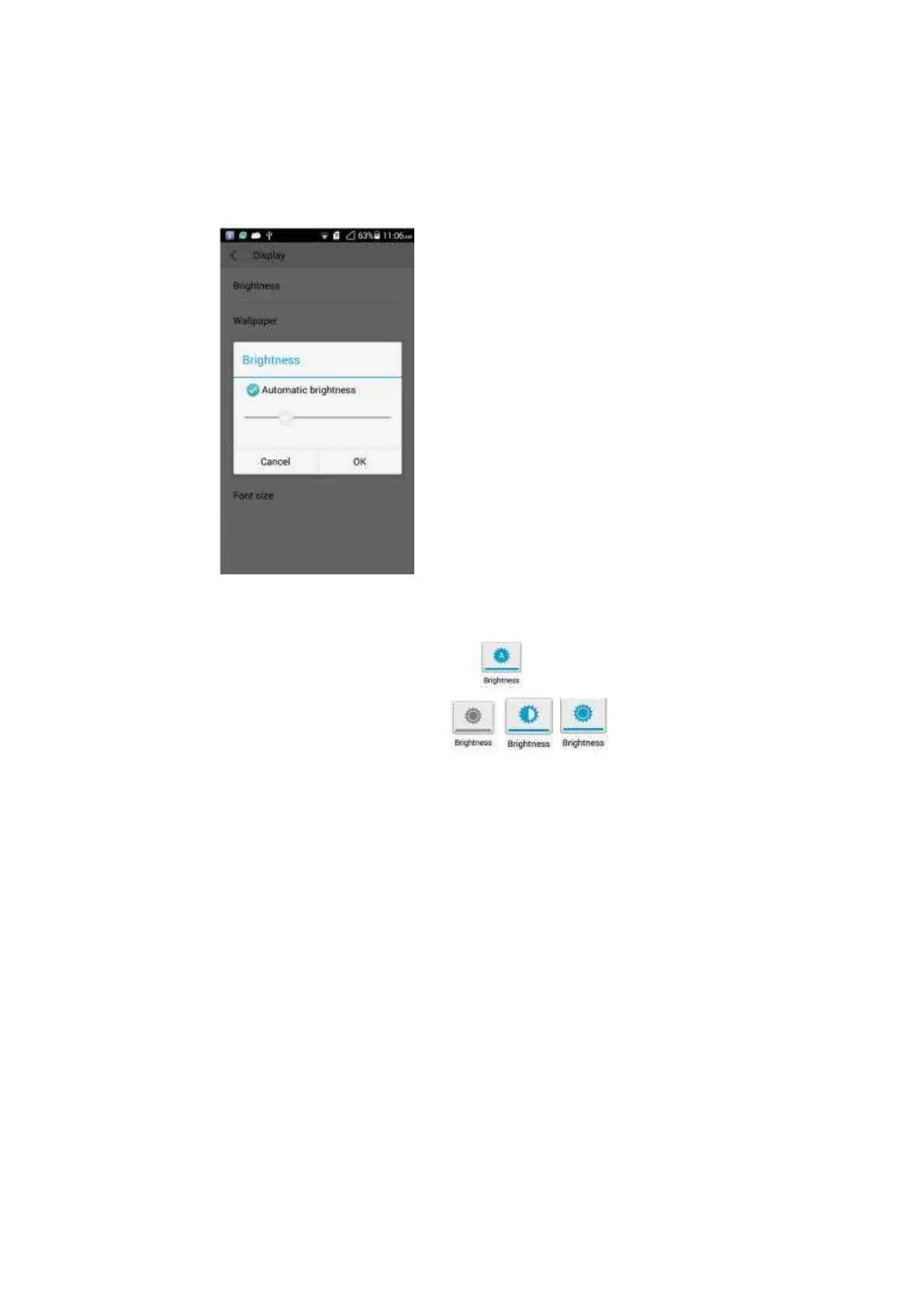
2.20 How do I adjust the screen brightness?
Touch Settings > Display > Brightness, you can select Automatic brightness or drag
the slider to adjust the screen brightness.
Drag the status bar downward, touch the Brightness icon to set the brightness.
Automatic brightness adjustment:
Different brightness settings:
2.21 How does my phone's key backlight save battery
power?
To save battery power, the backlight of the three keys at the bottom of your phone varies
according to the surroundings. If the surroundings are dark, the backlight turns on. If the
surroundings are bright, the backlight turns off.
2.22 How do I set my phone to airplane mode?
Touch Settings > Airplane mode. Touch the switch to turn on or off the airplane mode.
In airplane mode, the wireless network is unavailable.
Turn on or off the airplane mode in the notification bar.
Press and hold the power button. In the displayed option menu, turn on or off the
airplane mode.



 To Next Page