2.11.2 How do I obtain third-party applications?
You can download third-party applications from the application market or Android market.
2.11.3 How do I select the installation location of an application?
Selecting the installation location is not supported. All applications are installed in the built in
memory.
You can change the storage location of audio files, video files, and pictures by touching
Settings > (DEVICE) More… > Storage > Default storage location.
2.11.4 How do I install, manage, and uninstall applications?
Installation:
Touch Settings > Security, and select Unknown sources.
Download applications from Huawei application market or Android market.
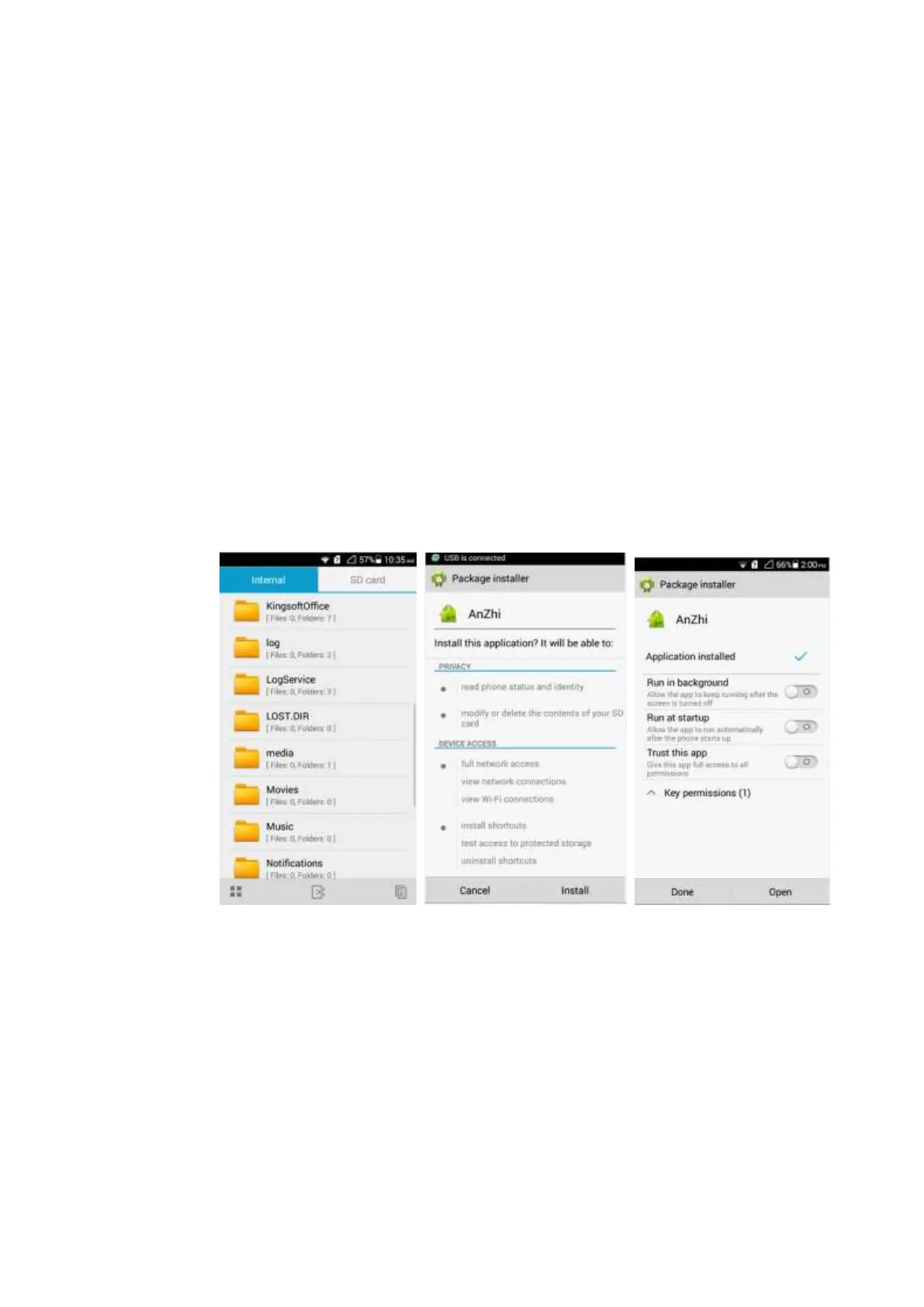
Copy the .apk file corresponding to the application you want to install to the phone's
internal storage or the microSD card. In File Manager, find the .apk file and touch it to
install the application.
Management:
Touch Settings > Manage apps > All, touch any application to manage it.



 To Next Page