2.8.10 How do I enable or disable my phone's mobile data
connection?
Touch Settings > Mobile networks to check whether the mobile data switch is on. This
option controls the data connection state.
2.8.11 Can I use my phone to access the Internet during a call?
No. You can use my phone to access the Internet during a call only when you phone is
connected to a Wi-Fi network.
2.8.12 What limitations to data services does my phone have?
You cannot make a call or access the Internet by using a card supporting CDMA mode.
2.8.13 How do I set the VPN?
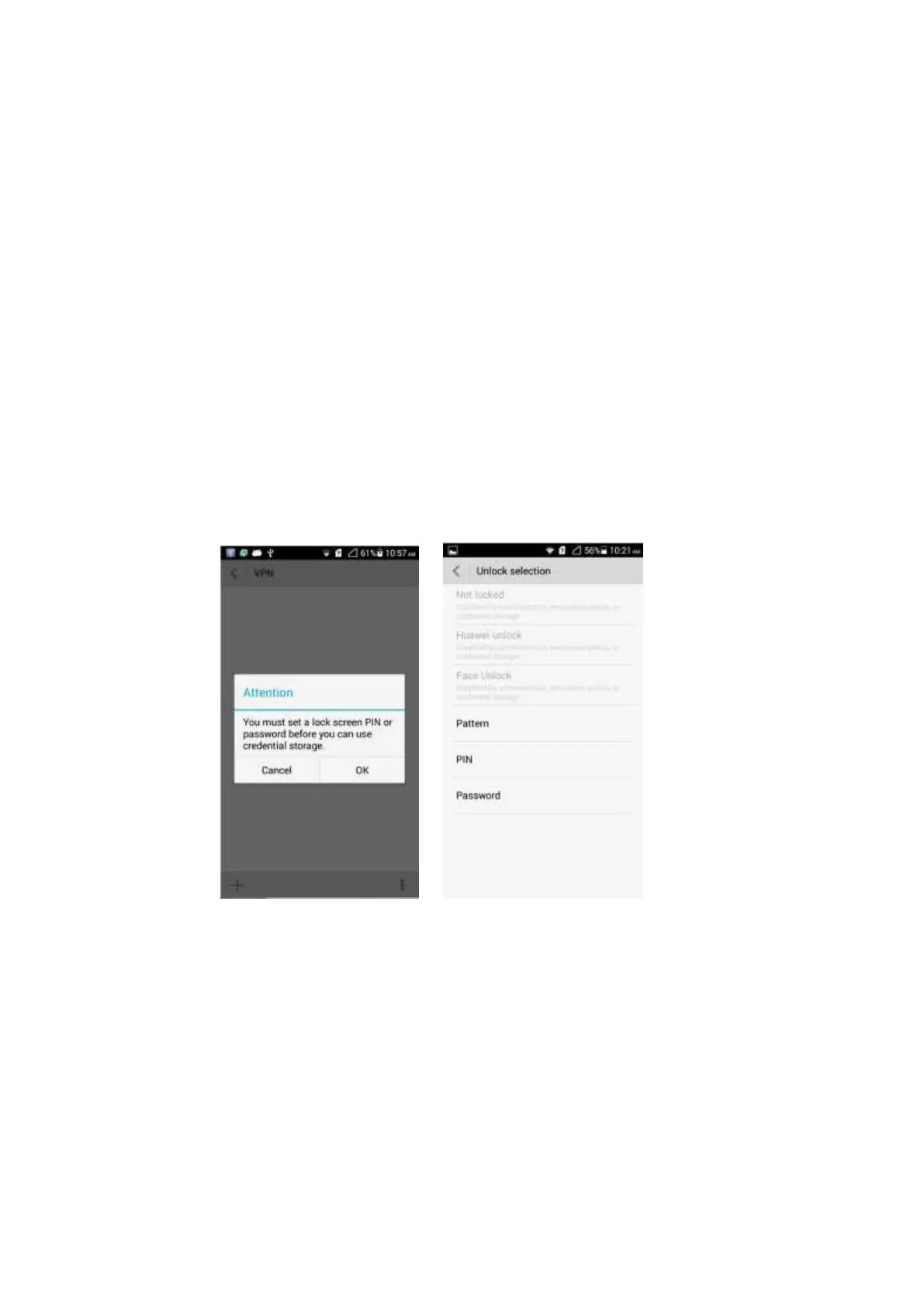
1. Touch Settings > (WIRELESS & NETWORKS)More... > VPN. If a dialog box is
displayed, indicating that "You must set a lock screen PIN or password before you can
use credential storage", touch OK and set a lock screen PIN or password.
2. Touch the add sign at the lower left corner of the VPN screen. Input related parameters
in the Edit VPN network page and touch Save. Touch the saved VPN. Input Username
and Password and touch Connect.



 To Next Page