Only when plugged in: Your phone keeps awake when being charged.
Always: Your phone never goes to sleep.
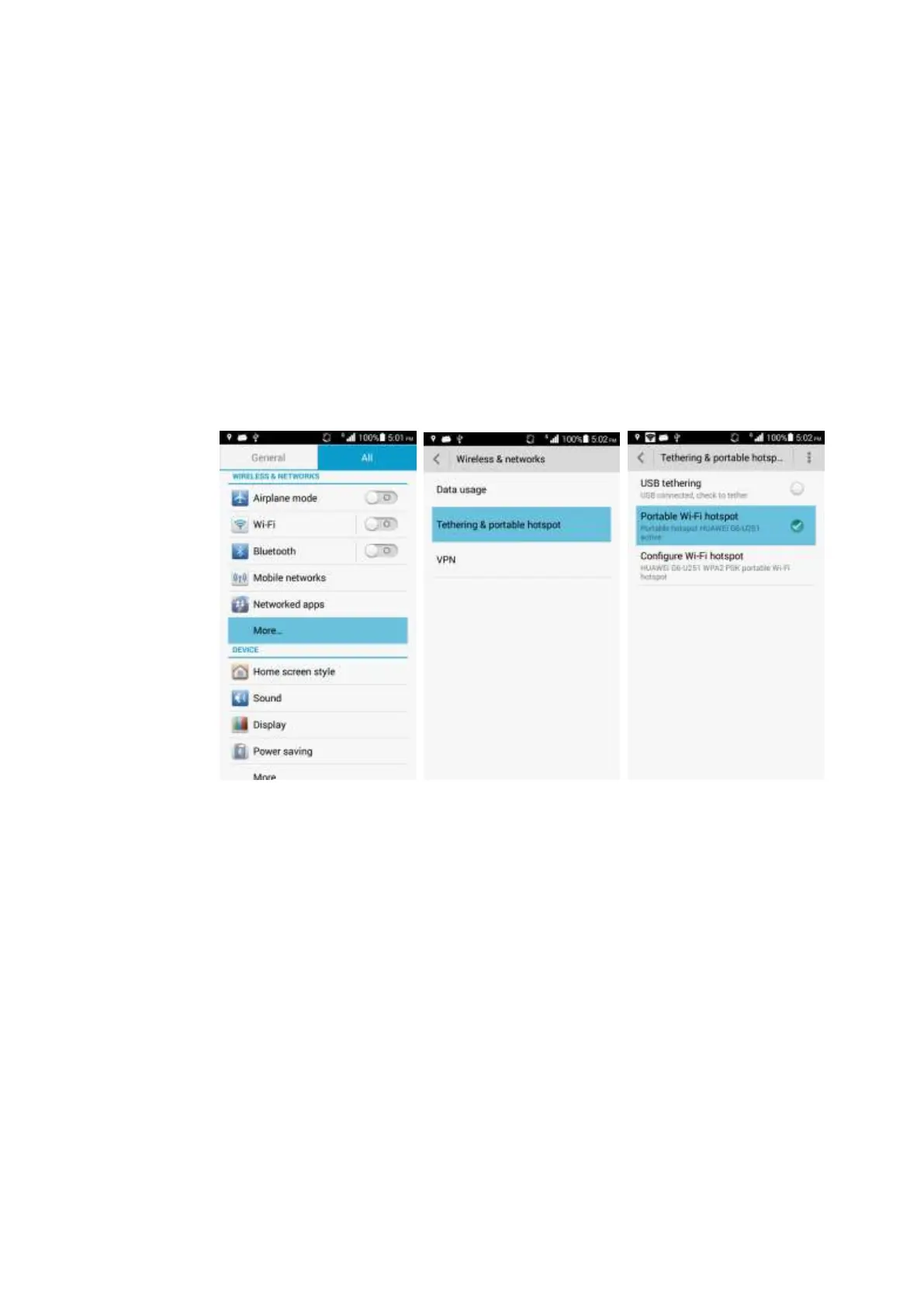
2.3 Network sharing and portable hotspot
You can use your phone as a portable Wi-Fi hotspot and share your phone's mobile data
connection with another device. Then you can access the Internet from the device.
To enable this function, touch Settings > More... > Tethering & portable hotspot >
Portable Wi-Fi hotspot > Configure Wi-Fi hotspot. Set the Wi-Fi hotspot name (Network
SSID), password, and authentication mode (Security).
After the device finds your phone using Wi-Fi, you can access the Internet from the device
using your phone's mobile data connection.
2.4 Internet access using Wi-Fi with a static IP address
Touch Settings > WI-FI, select a hotspot, and on the displayed dialog box, select Show
advanced options. Set IP settings to Static, and in most cases, set IP address to
192.168.1.*** and Gateway to 192.168.1.1. Then set Network prefix length, DNS 1, and
DNS 2.



 To Next Page